

In the fast-paced, digital-first world of 2026, every element of your online presence contributes to your brand’s identity—including the links you share. From social media posts to email campaigns, branded links play a crucial role in building trust and recognition. In the ongoing debate of Rebrandly vs Bitly, marketers and business owners are looking for the best URL shortener that not only shortens links but also enhances brand visibility. But when it comes to branding, which platform truly delivers?
This in-depth guide compares Rebrandly vs Bitly, exploring their features, pricing, analytics, and branding capabilities to help you choose the right link management tool. Whether you’re a solopreneur, a digital agency, or an enterprise-level marketer, you’ll find actionable insights to make an informed decision in 2026.
Why Branding Matters in Link Management
Before we compare Bitly and Rebrandly, let’s establish why branded link shortening is a critical component of modern marketing strategies.
1. Building Trust and Recognition
A branded link, such as yourbrand.link/sale, instantly communicates professionalism and reliability. Compare that to a generic link, like the branded version is more recognizable and trustworthy. Studies show that branded links can increase CTR by up to 39% because users feel confident clicking on a URL that aligns with a familiar brand. In 2026, when consumer skepticism about online content is at an all-time high, trust is non-negotiable.
2. Consistency Across Channels
Consistency is the cornerstone of effective branding. Using a branded domain across social media, email campaigns, paid ads, and even offline materials (like QR codes on print ads) reinforces your brand’s identity. It creates a cohesive experience, making it easier for customers to recognize and recall your brand, whether they’re scrolling through X or checking their inbox.
3. Data-Driven Branding
Effective branding isn’t just about aesthetics—it’s about understanding your audience. URL shorteners with robust analytics allow you to track link performance, audience behavior, and campaign success. This data empowers you to personalize campaigns, refine strategies, and strengthen your brand’s positioning in a competitive market.
4. Enhanced Professionalism
In a world where first impressions matter, a branded link signals attention to detail. It shows that your business values its digital presence and invests in tools that reflect its professionalism. For small businesses and startups, this can be a game-changer in competing with larger brands.
With these principles in mind, let’s explore how Bitly and Rebrandly stack up as branding tools in 2026.
What is Bitly?
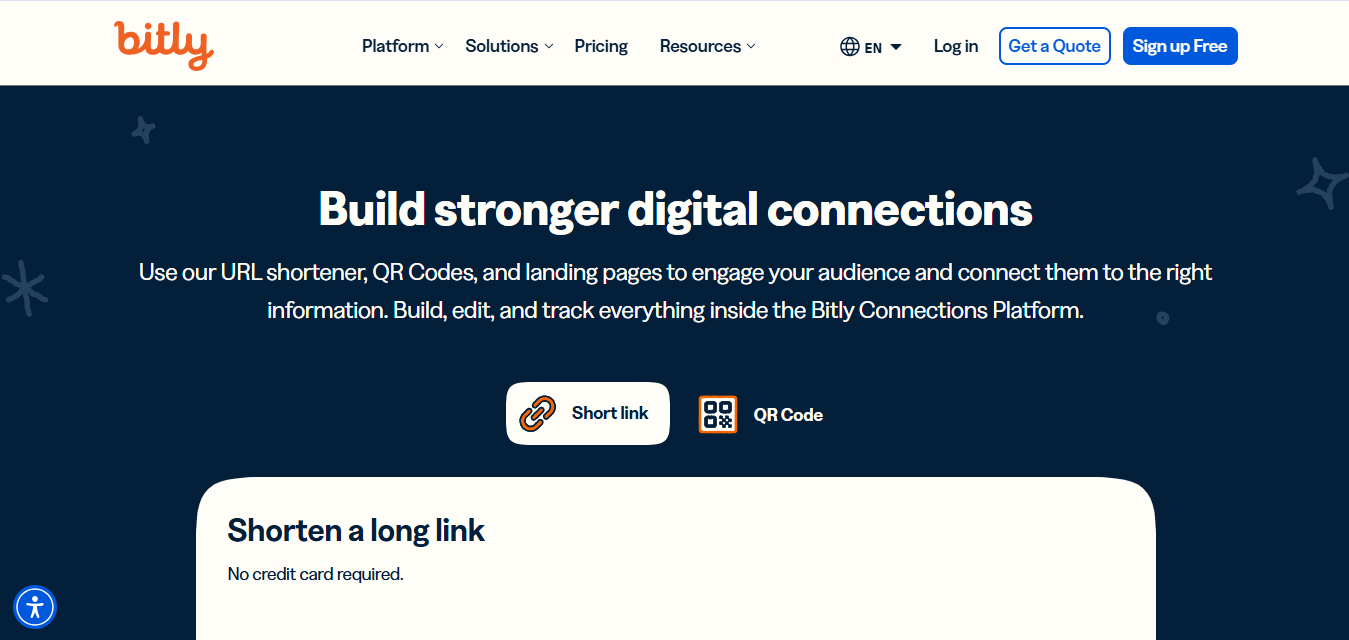
Bitly, launched in 2008, is a veteran in the URL shortening space. When comparing Rebrandly vs Bitly, Bitly stands out for its simplicity and enterprise-grade scalability, especially for high-volume link management. Known for its reliability and scalability, Bitly is a go-to choice for enterprises, publishers, and global brands managing high volumes of links. Over the years, Bitly has evolved from a simple link shortener to a comprehensive link management platform with a focus on enterprise-grade solutions.
Core Branding Features
- Custom Branded Domains: Available on paid plans, Bitly allows users to create custom short links (e.g., yourbrand.ly/offer). This feature is essential for reinforcing brand identity but is not available on the free plan.
- QR Code Generation: Bitly offers customizable QR codes that can incorporate brand colors and logos, making them ideal for both digital and offline campaigns.
- Campaign Tagging: Bitly supports campaign tagging for multi-channel tracking, allowing brands to monitor performance across platforms like email, social media, and paid ads.
- Link Analytics: From basic click counts to advanced enterprise-grade analytics, Bitly provides insights into link performance, including geographic data, device types, and referral sources.
- Reliability: With a 99.9% uptime guarantee, Bitly ensures that your branded links are always accessible, a critical factor for large-scale campaigns.
Who is Bitly For?
Bitly excels for enterprises and organizations with high link volumes, such as global publishers, e-commerce giants, and corporate communications teams. Its straightforward interface and scalable infrastructure make it ideal for businesses that prioritize efficiency and reliability over advanced branding customization.
What is Rebrandly?
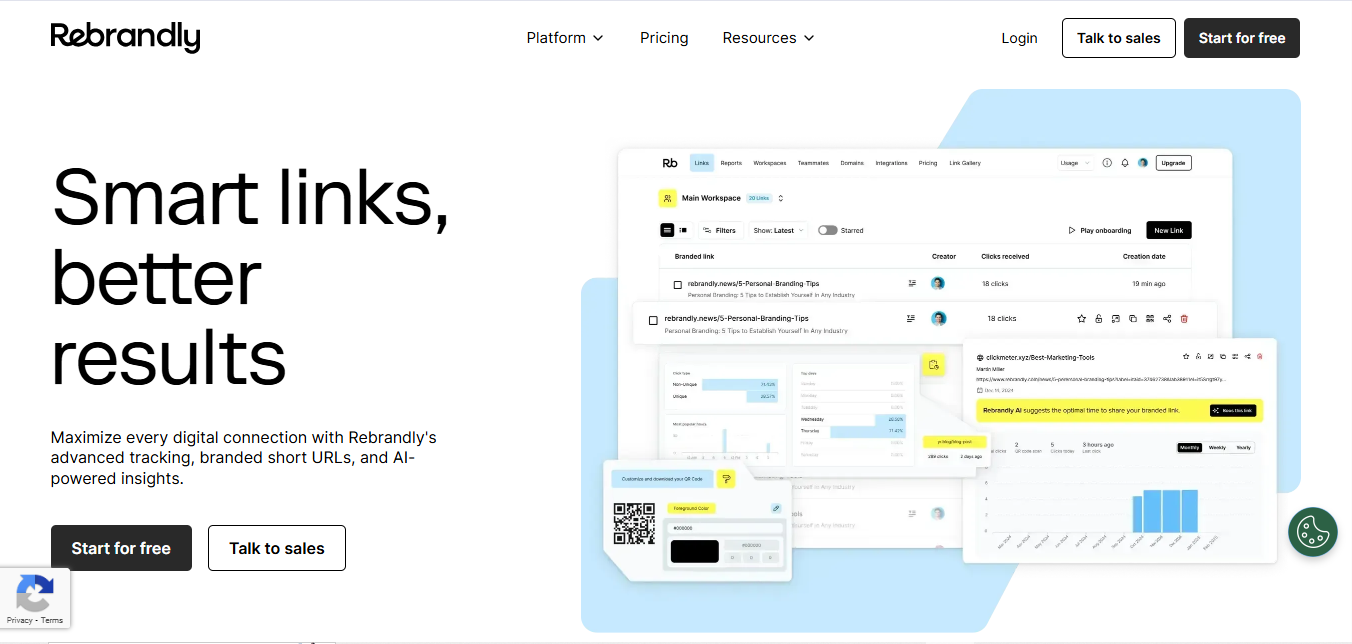
Rebrandly, founded in 2015, was designed with branding at its core. Unlike Bitly, which started as a general-purpose URL shortener, Rebrandly was built specifically to empower businesses to create branded links that enhance their digital presence. A major differentiator in the Rebrandly vs Bitly debate is that Rebrandly offers branded links on its free plan, something Bitly does not. It’s a favorite among startups, digital marketers, and agencies that view every link as a branding opportunity.
Core Branding Features
- Branded Links on Free Plan: Rebrandly allows users to create branded links (e.g., yourbrand.link/promo) even on its free plan, a significant advantage for small businesses and solopreneurs.
- Multiple Custom Domains: Rebrandly supports multiple branded domains under a single account, making it easy to manage different brands or campaigns.
- UTM Builder and Auto-Tagging: Rebrandly’s built-in UTM builder simplifies campaign tracking, and auto-tagging streamlines the process for marketing teams.
- Deep Analytics Integration: Rebrandly integrates with tools like Google Analytics, Facebook Pixel, and Slack, providing granular insights into link performance and audience behavior.
- Workspace Collaboration: Rebrandly’s workspace-based system allows teams to collaborate on link creation and management, ideal for agencies and marketing teams.
Who is Rebrandly For?
Rebrandly is tailored for startups, solopreneurs, digital marketers, influencers, and agencies that prioritize branding and campaign tracking. Its focus on customization and analytics makes it a powerful tool for businesses looking to maximize the impact of every link.
Bitly vs Rebrandly: Side-by-Side Branding Comparison
To help you compare Bitly and Rebrandly, here’s a detailed side-by-side breakdown of their branding-focused features:
AI Deep Dive: Key Branding Features Compared
Custom Domains and Branded Links
Branded links are the heart of link management for branding purposes. Here, Rebrandly has a clear edge.
- Rebrandly: Offers branded links on its free plan, allowing users to create up to 500 branded links per month with up to 5 custom domains. Rebrandly’s setup process is user-friendly, guiding users through DNS configuration to connect their custom domains. The ability to manage multiple domains under one account is a game-changer for agencies or businesses running multiple campaigns.
- Bitly: Requires a paid plan to access branded domains, which can be a barrier for small businesses or startups. Bitly limits the number of branded domains based on the plan tier, with a maximum of 5 for most users. While reliable, Bitly’s approach is less flexible than Rebrandly’s.
Analytics for Brand Performance Tracking
Analytics are crucial for understanding how your branded links perform and optimizing campaigns.
Bitly Analytics:
- Tracks clicks per link, geographic location, device type, and referral sources.
- Offers chart visualizations in higher-tier plans.
- Enterprise plans provide advanced reporting for large-scale campaigns.
- Ideal for businesses that need straightforward, scalable analytics.
Rebrandly Analytics:
- Provides detailed UTM parameter reports, browser and OS data, country/language targeting, and IP-based tracking.
- Integrates with Google Analytics, Facebook Pixel, Google Tag Manager, and CRM tools.
- Supports retargeting-based click tracking, allowing businesses to re-engage users who clicked their links.
- Offers more granular insights, especially for digital marketing teams.
Winner: Rebrandly, for its deeper analytics and integrations tailored to branding and marketing.
User Experience and Interface
A user-friendly interface is essential for teams managing branded links.
- Bitly: Bitly’s dashboard is clean and efficient, designed for speed and simplicity. It’s ideal for large teams that need to create and track links quickly. However, its branding features are somewhat limited compared to its enterprise-focused tools.
- Rebrandly: Rebrandly’s interface is visually intuitive and built for marketing workflows. The platform emphasizes branding with features like UTM auto-tagging, workspace collaboration, and multi-domain management. While setup may be slightly more complex for beginners, the branding benefits outweigh the learning curve.
QR Code Customization
QR codes are increasingly important for bridging digital and offline campaigns.
- Bitly: Offers customizable QR codes with brand colors and logos, but this feature is locked behind paid plans. The QR codes are reliable and integrate well with Bitly’s analytics.
- Rebrandly: Provides customizable QR codes on all plans, including the free tier. Users can incorporate brand elements and track QR code scans with detailed analytics.
Winner: Rebrandly, for its free QR code customization and deeper tracking.
Collaboration and Team Features
For branding teams, collaboration tools are essential.
- Bitly: Offers basic team features in its enterprise plans, such as user roles and link management permissions. It’s designed for large organizations with centralized workflows.
- Rebrandly: Provides workspace-based collaboration in its Pro and Enterprise plans, allowing teams to manage multiple domains, assign roles, and streamline link creation. This is particularly useful for agencies and marketing teams.
Use Cases: Which Industries Benefit from Each?
Bitly is Best For:
- Enterprises with High Link Volumes: Bitly’s scalability and reliability make it ideal for global brands, publishers, and corporations managing thousands of links.
- Internal Corporate Communications: Bitly’s simple interface and uptime guarantee suit internal link-sharing needs.
- Publishers: Media companies benefit from Bitly’s ability to handle large-scale campaigns and track performance across platforms.
Rebrandly is Best For:
- Startups and Solopreneurs: Rebrandly’s free branded links and affordable plans make it accessible for small businesses.
- Digital Marketers and Influencers: Rebrandly’s UTM builder, retargeting, and analytics integrations are perfect for campaign-focused professionals.
- Agencies Managing Multiple Brands: The ability to handle multiple custom domains and collaborate via workspaces is a boon for agencies.
- eCommerce Businesses: Rebrandly’s retargeting capabilities help eCommerce brands re-engage customers who interact with their links.
Pricing for Branding Tools and Features (2026)
Pricing is a key factor when choosing a URL shortener, especially for businesses balancing branding needs with budgets.
Bitly Pricing
- Free: No branded links, 50 links/month, basic analytics.
- Basic ($8/month): Branded domain support, 1,500 links/month, basic analytics.
- Premium ($29+/month): Advanced analytics, QR code customization, campaign tagging.
- Enterprise: Custom pricing for large-scale needs, including API access and advanced reporting.
Rebrandly Pricing
- Free: 500 branded links/month, 5 custom domains, basic analytics.
- Starter ($13/month): 5,000 branded links/month, UTM tracking, retargeting, QR codes.
- Pro ($39/month): 20,000 branded links/month, workspace collaboration, deep analytics.
- Enterprise: Custom solutions for large teams and advanced integrations.
Pros and Cons
Bitly
Pros:
- Simple, fast, and reliable interface.
- Scalable for high-volume link management.
- Trusted by global enterprises.
- Robust uptime (99.9%).
Cons:
- Branded links require a paid plan.
- Advanced features are locked behind higher tiers.
- Limited flexibility for multi-domain branding.
Rebrandly
Pros:
- Branded links are available on the free plan.
- Multiple custom domains and deep analytics.
- UTM builder and retargeting for marketing.
- Workspace collaboration for teams.
Cons:
- Setup can be slightly complex for beginners.
- Best features are tied to paid plans.
- Less suited for ultra-high-volume enterprise needs.
Final Verdict: Which is Better for Branding in 2026?
Both Bitly and Rebrandly are powerful URL shorteners, but their approaches to branding differ significantly. Bitly is a reliable, enterprise-grade solution that excels in scalability and simplicity. It’s the go-to choice for large organizations with high link volumes and straightforward needs. However, its branding features are limited in lower tiers, making it less accessible for smaller businesses.
Rebrandly, on the other hand, was built with branding in mind. Its free branded links, multi-domain support, and deep analytics make it the superior choice for businesses that view every link as a branding opportunity. Whether you’re a startup, influencer, or agency, Rebrandly’s customization and marketing-focused features give it the edge in 2026. If branding, personalization, and campaign performance are your priorities. Ultimately, in the battle of Rebrandly vs Bitly for the best branded link tool of 2026, Rebrandly comes out ahead due to its customization and affordability.
FAQs
Is Rebrandly free for branded links?
Yes. Rebrandly’s free plan allows up to 500 branded links per month with 5 custom domains, making it a cost-effective option for small businesses.
Can I use Bitly to track social media campaigns?
Yes, Bitly supports campaign tracking, but advanced tagging and analytics require a paid plan.
Which tool is easier to use for beginners?
Bitly’s interface is more beginner-friendly due to its simplicity, but Rebrandly offers greater branding value once users master the setup process.
What’s the main difference in branding features between Rebrandly vs Bitly?
While both tools offer link customization, Rebrandly includes branded links on its free plan and supports multiple domains, giving it a clear edge in branding.
Do both tools support QR codes?
Yes, both Bitly and Rebrandly offer customizable QR codes, but Rebrandly includes this feature in its free plan.
Can I switch from Bitly to Rebrandly or vice versa?
Yes, both platforms support CSV exports and imports, making it easy to migrate links between tools.
Conclusion
In the digital-first landscape of 2026, your links are an extension of your brand. Choosing the right URL shortener can elevate your marketing efforts, build trust, and drive campaign success. While Bitly remains a reliable choice for enterprises with high-volume needs, Rebrandly stands out as the ultimate branding tool. With free branded links, multi-domain support, and deep analytics, Rebrandly empowers businesses of all sizes to make every link a branding masterpiece. For professionals who prioritize brand identity and performance, Rebrandly is the clear winner in 2026.
