

Key Takeaways
- Free AI tools can help students with research, writing, organization, and learning, but they should be used responsibly.
- Always verify AI outputs and follow your institution's academic integrity rules.
- The best tool depends on the task: writing, summarizing, coding, design, or study support.
Student life in 2026 is busier than ever. Classes, deadlines, quizzes, research papers, group projects, part-time jobs, and personal responsibilities make it feel like you’re constantly running out of time.
But here’s the truth:
The smartest students today aren’t the ones who study the most — they’re the ones who use AI tools the right way.
Artificial intelligence has become the new “study superpower” for students. And the best part?
Many of the most powerful AI tools are free.
From writing essays to summarizing textbooks, creating presentations, solving math problems, debugging code, organizing notes, or learning complex subjects, AI tools can help you learn faster, save time, and reduce stress.
This detailed guide gives you the 10 best free AI tools for students in 2026, all tested, proven, and reliable.
Let’s start your smarter learning journey.
Before You Choose: 6 Factors to Consider When Selecting AI Tools
Not every tool is perfect for every student. Use these factors to pick wisely.
1. What Subject do You Study
- Writing-heavy? → Grammarly, QuillBot, Gemini
- Coding? → AskCodi
- Science & research? → NotebookLM, ChatPDF
- Project-based learning? → Gamma AI, Notion AI
2. Your Device & Platform
Some tools work better on laptops, some on mobile, some inside Google or Microsoft ecosystems.
3. Free vs Paid Features
Many tools offer:
- Free basic plan
- Paid upgrades
Choose tools where the free version is useful enough.
4. Accuracy
AI can make mistakes. Tools like Gemini, NotebookLM, and Grammarly provide higher accuracy for academic work.
5. Data Safety
Never upload:
- Personal information
- Sensitive documents
- University login details
Stick with trusted tools.
6. Ease of Use
If you’re a beginner, choose:
- ChatPDF
- NotebookLM
- Grammarly
They require almost no learning curve.
10 Best Free AI Tools Every Student Must Use in 2026 (Proven & Reliable)
Here are the tools we’ll cover in complete detail:
- NotebookLM – Smart AI notebook for notes & research
- Google Gemini – AI assistant inside Google Docs, Slides, Gmail
- Grammarly – AI writing corrector
- QuillBot – Paraphraser & summarizer
- ChatPDF – AI that explains your PDFs
- ChatGPT – All-round study helper
- Notion AI – Study planner + automation
- AskCodi – AI coding assistant
- Tutor AI – AI-powered micro learning
- Gamma AI – AI slide creator
1. NotebookLM – Your Smart AI Study Notebook
NotebookLM is Google’s AI-powered study notebook designed specifically for students. You upload your lecture notes, textbooks, PDFs, research papers, or any class document — and it turns into your personal study assistant.
You can ask it:
- “Explain this in simple words.”
- “Summarize chapter 3.”
- “Create 10 quiz questions.”
- “What did the author mean by this?”
NotebookLM reads, understands, and responds only based on your materials, making it extremely accurate for academic use.
Features
- Upload notes, PDFs, Google Docs
- AI Q&A directly from your uploads
- Smart summaries
- Topic explanations in simple words
- Auto-generated study guides
- Flashcards
- Research collections
Reviews (Student Experience)
Students who use Notebook LLM report saving several hours of study time weekly. Many highlight its ability to produce summaries in plain language, making complex theories easy to understand. For example, a user preparing for a biology exam said that Notebook LLM condensed a 60-page chapter into concise, easy-to-revise notes within minutes.
Pricing Overview
- Free plan available
- Paid plan gives more storage & advanced features
Pros
- Very accurate since it uses your notes
- Saves hours of reading
- Super beginner-friendly
- Works great during exam prep
Cons
- Requires well-structured notes
- The free plan has upload limits
Best For
- High school and college students
- Science, medical, law, and research-based majors
- Anyone with long textbooks or PDFs
NotebookLM is one of the smartest, most reliable study tools ever made for students. If you want quick summaries or personalized explanations, start here.
2. Google Gemini – AI Built Into Google Tools
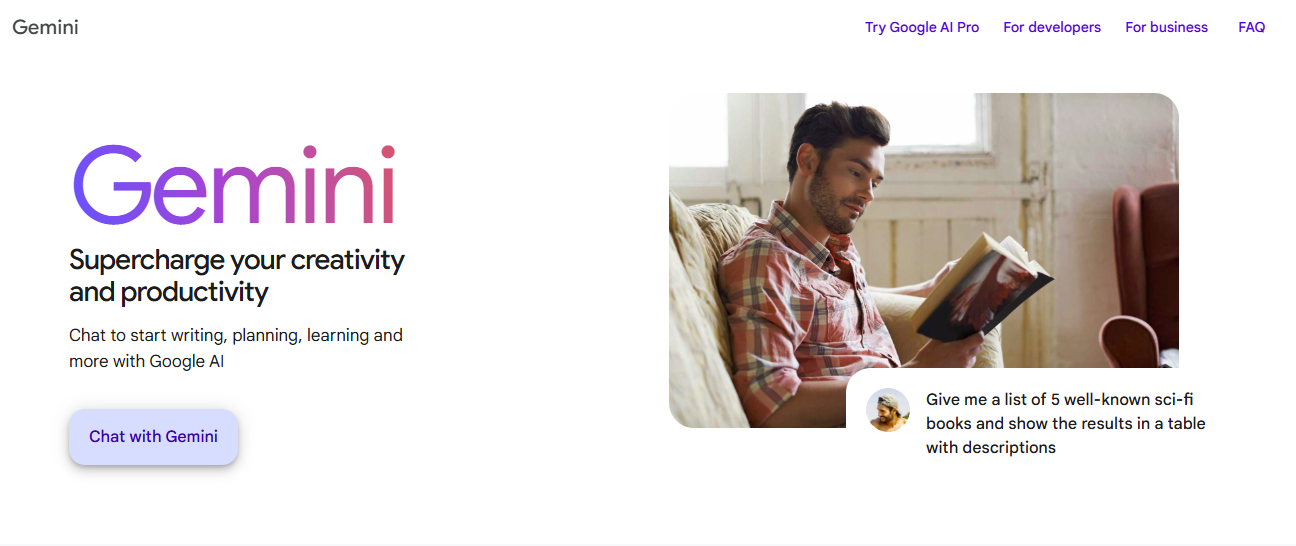
Google Gemini is Google’s most powerful AI model — built directly inside Google Docs, Gmail, Sheets, and Slides.
This means you can create essays, assignments, presentations, and emails instantly while staying inside tools you already use daily.
For example:
- “Make a 12-slide presentation on climate change.”
- “Write a 500-word essay on World War II.”
- “Explain photosynthesis like I’m 12.”
Gemini generates clean, accurate, academic-friendly content.
Features
- Built-in AI for Google Docs
- Auto-generated slides
- Research mode
- Email writing in Gmail
- Accurate explanations
- Math help + step-by-step solutions
Reviews
Many students praise Gemini for its reliability and accuracy. A college student preparing a report on renewable energy noted that Gemini generated coherent slide decks from a simple text prompt within minutes, which previously took hours of manual work. Users appreciate the convenience of having AI assistance directly inside the applications they already use daily.
Pricing Overview
- Free basic version
- Paid: Gemini Advanced (more capabilities)
Pros
- Seamless with Google apps
- Highly accurate
- Great for writing, research, and presentations
Cons
- Some advanced features require a paid version
- Not available worldwide yet
Best For
- Students who use Google Docs
- Presentation and research-heavy subjects
If you already use Google apps, Gemini is a perfect upgrade — fast, simple, and extremely helpful.
3. Grammarly – The Best AI Writing Corrector
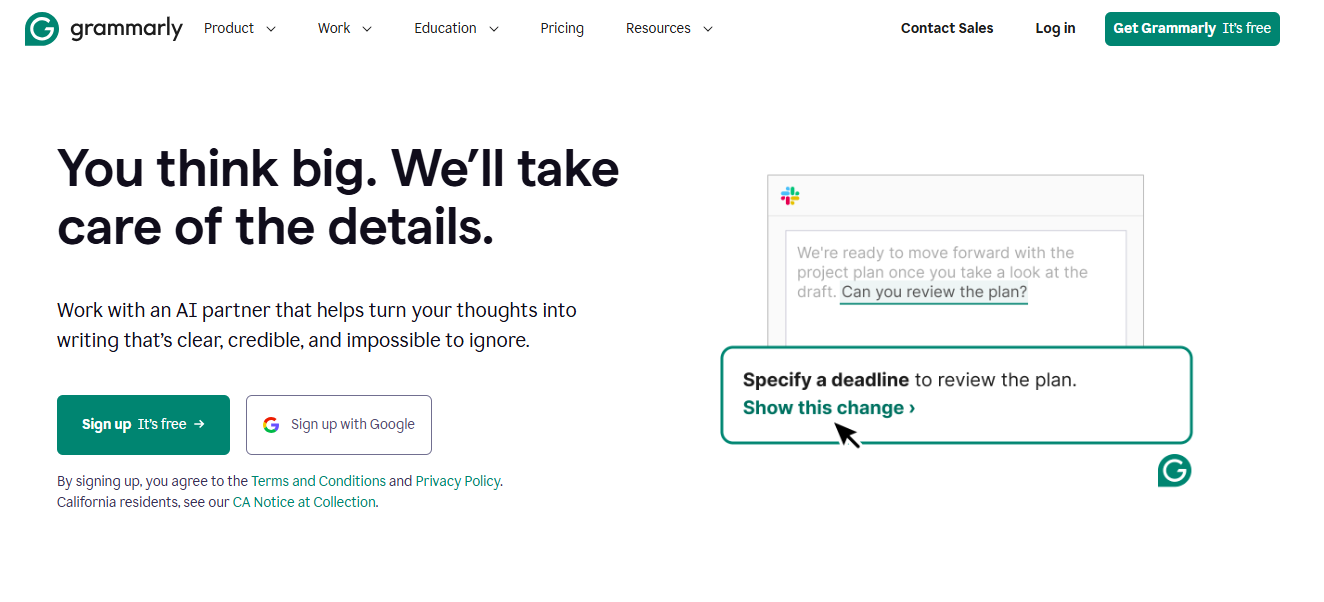
Grammarly is one of the most reliable AI writing tools. It fixes grammar, spelling, punctuation, clarity, tone, and academic mistakes.
Whether you’re writing an essay, assignment, scholarship application, or email — Grammarly ensures your English looks clear and professional.
Features
- Grammar correction
- Punctuation fixes
- Tone detection
- Rewrite suggestions
- Plagiarism checker (paid)
- Word choice improvements
Reviews
Students find Grammarly extremely useful for proofreading essays, assignments, and personal statements. Many highlight that it not only corrects mistakes but also teaches writing skills through explanations.
For example, one student reported that after using Grammarly for three months, her essay grades improved significantly because her writing became clearer and more polished.
Pricing Overview
- Strong free plan
- Premium offers advanced suggestions
Pros
- Works on browsers, phones, and laptops
- Very accurate
- Great for essays and reports
Cons
- Premium can be expensive
- Sometimes tone suggestions feel too formal
Best For
- Essay writing
- Email communication
- Academic assignments
Grammarly is a must-have for every student who writes anything online or offline.
4. QuillBot – The Paraphrasing & Summarizing Tool
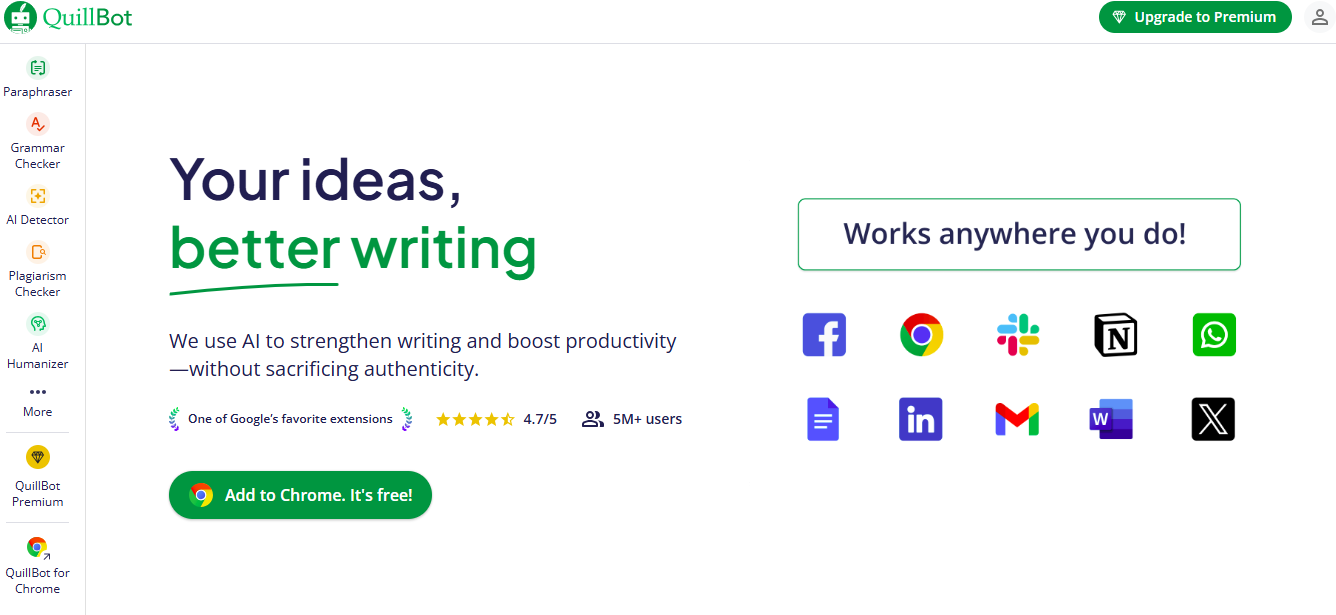
QuillBot is a powerful AI tool that rewrites sentences, removes repetition, simplifies complex paragraphs, and helps with citations.
It’s especially useful when:
- You want to rephrase an academic text
- You need citation formats
- You want a quick summary of long content
Features
- Paraphrasing in multiple styles
- Summarizer
- Grammar checker
- Citation generator
Reviews
Many students appreciate QuillBot’s ability to simplify dense academic content. For instance, a student struggling with a lengthy economics paper reported that QuillBot summarized key concepts clearly while retaining the original meaning. The citation generator also saves time while preparing research assignments.
Pricing Overview
- Free version
- Premium offers unlimited paraphrasing
Pros
- Easy to use
- Great for rewording essays
- Multiple rewrite modes
Cons
- The free version has word limits
- Sometimes sounds robotic
Best For
- Essay writing
- Research paper rewriting
- Academic paraphrasing
If you need help rewriting content without losing meaning, QuillBot is your best companion.
5. ChatPDF – Your AI PDF Reader
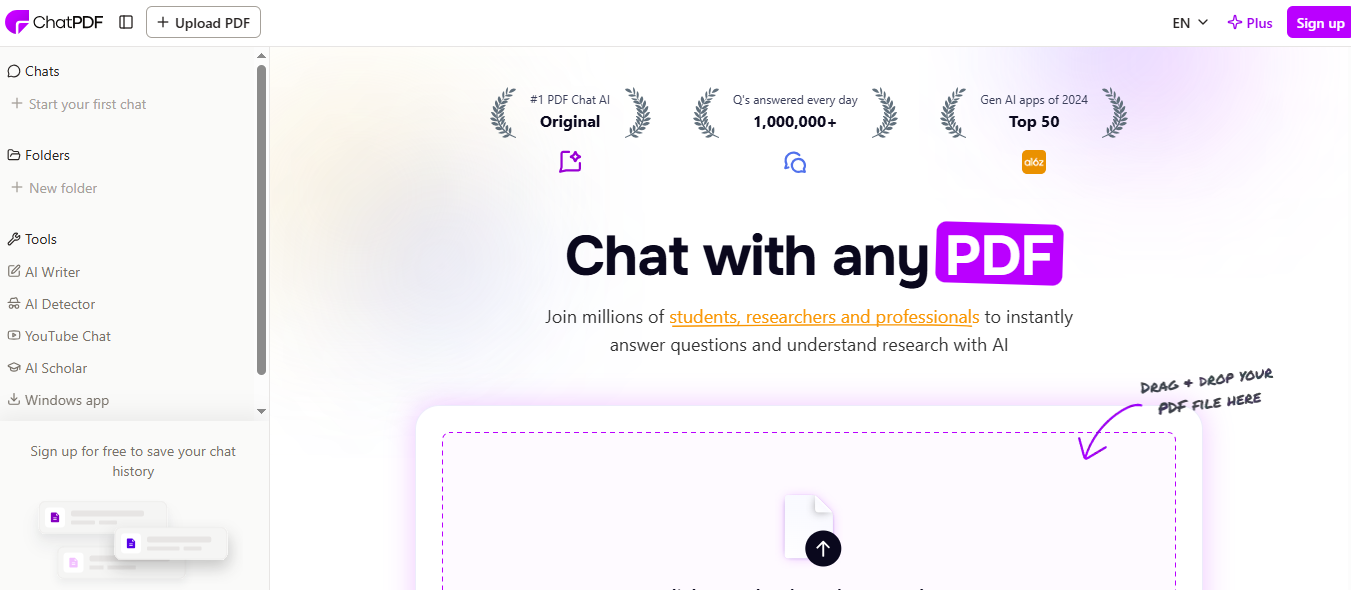
ChatPDF allows you to upload any textbook, research paper, notes, or PDF — and instantly ask questions about it.
Example:
- “What is chapter 5 explaining?”
- “Summarize the theory in 3 lines.”
- “What are the key findings of this research?”
Features
- AI Q&A from your PDFs
- Automatic summaries
- Page references
- Topic extraction
Reviews
Students report that ChatPDF saves hours during exam prep. One user mentioned that summarizing a 50-page document used to take a full afternoon, but ChatPDF completed it in under 10 minutes with accurate results. It is particularly valuable for last-minute study sessions..
Pricing Overview
- Free plan with file limits
- Paid plan for bigger documents
Pros
- Easy for beginners
- Works great for textbooks
- Saves massive time
Cons
- Doesn’t work well on image-only PDFs
- The free version has small limits
Best For
- Research students
- Anyone with large textbooks
ChatPDF is essential for a quick, simplified understanding of any PDF document.
6. ChatGPT – The All-Round Smart Study Assistant

ChatGPT is one of the most versatile AI study tools. You can ask it anything — math, science, history, coding, essays, summaries, explanations, and more.
It can:
- Explain complex topics
- Create study plans
- Generate quizzes
- Give examples
- Simplify difficult concepts
Features
- Explanation engine
- Essay outline generator
- Coding helper
- Math solver
- Language tutor
Reviews
Students globally consider ChatGPT a versatile study companion. For example, a student struggling with physics concepts used ChatGPT to break down equations and formulas in simpler terms, making previously intimidating topics easier to grasp. Users also praise its ability to generate multiple essay outlines, which helps streamline their writing process.
Students say it’s like having a personal tutor available 24/7.
Pricing Overview
- Free version available
- Paid plan: GPT Plus
Pros
- Works for all subjects
- Beginner-friendly
- Step-by-step answers
Cons
- Sometimes makes mistakes
- Needs fact-checking
Best For
- Homework help
- Revision
- Brainstorming ideas
ChatGPT is the most flexible AI tool on this entire list — use it wisely.
7. Notion AI – Study Organization Made Simple
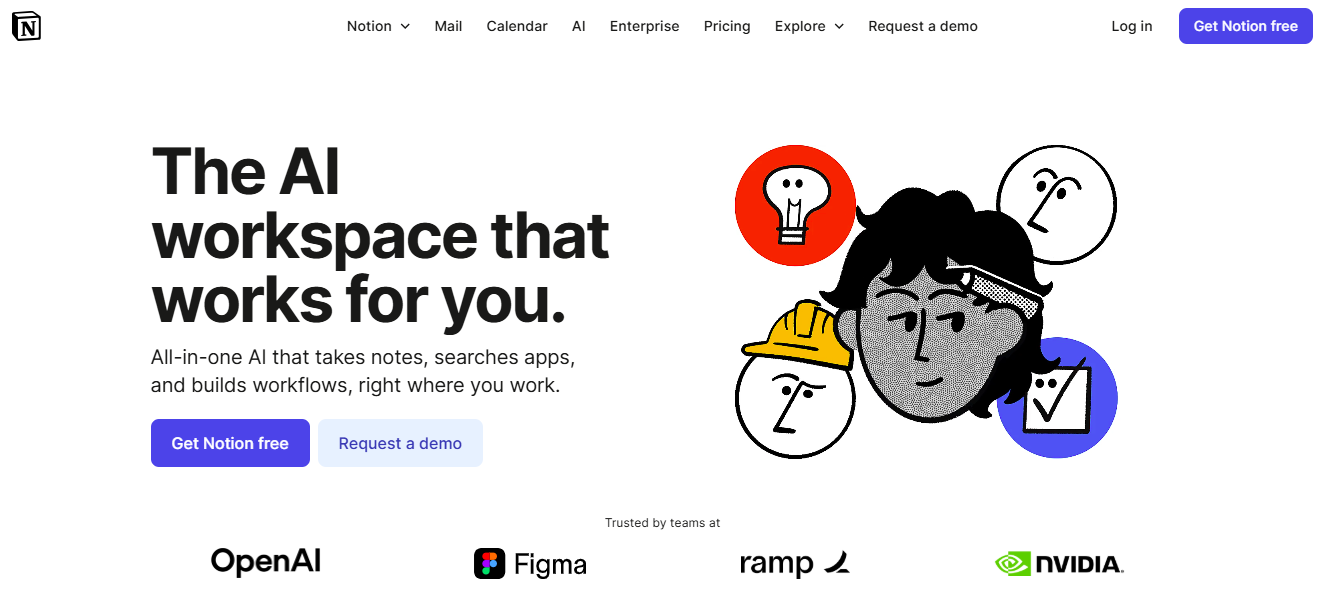
Notion AI helps students manage assignments, deadlines, notes, and study schedules. It mixes note-taking with automation to keep your academic life organized.
Features
- AI note summaries
- Task manager
- Calendar + planner
- Dashboard templates
- Group collaboration
Reviews
Many students praise Notion AI for helping them stay organized. A university student preparing for final exams said that Notion’s AI summaries and automated reminders reduced last-minute stress. Others find its collaborative features invaluable for team assignments.
Pricing Overview
- Free basic version
- Paid version for full AI usage
Pros
- Beautiful interface
- Helps with productivity
- Great for group projects
Cons
- Learning curve is high
- AI requires a paid upgrade
Best For
- Busy students
- Project-based courses
- Tracking assignments
Notion AI keeps your academic life structured and manageable.
8. AskCodi – Your AI Coding Partner
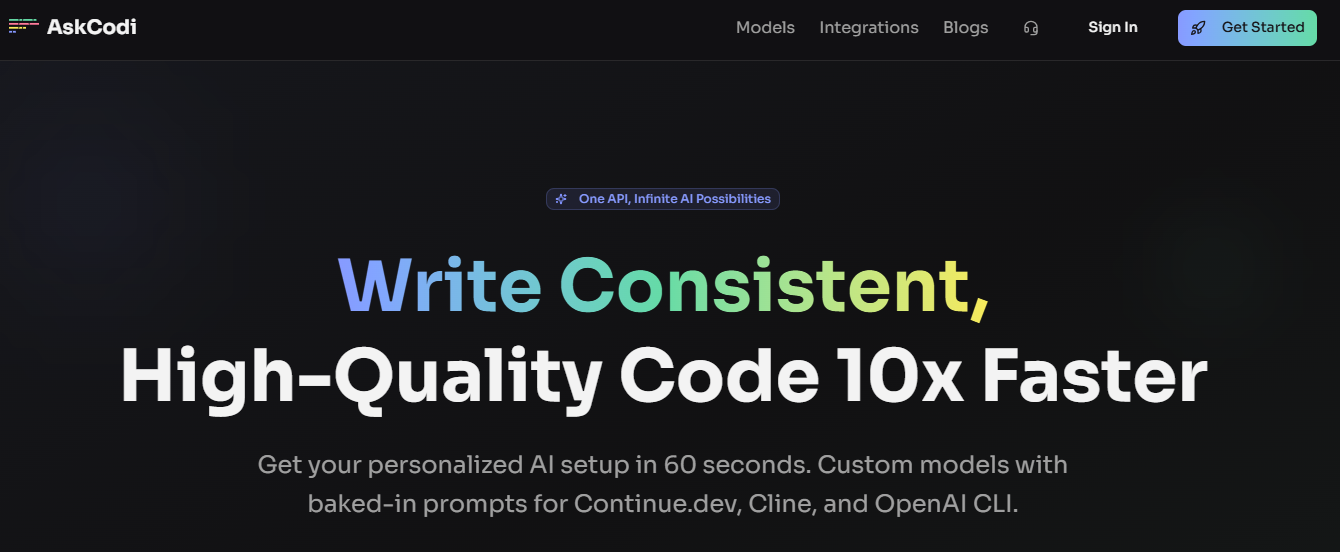
AskCodi is a coding assistant designed for beginners and intermediate programmers. It can explain code, fix errors, generate functions, or help you understand concepts.
Features
- Code debugging
- Code generation
- Documentation helper
- Multi-language support
Reviews
Students appreciate how AskCodi reduces frustration during debugging. A beginner programmer mentioned that AskCodi explained recursion and loops in simple, step-by-step terms, helping him understand concepts faster. Many users also highlight that it accelerates coding assignments and prepares them for coding exams or interviews.
Pricing Overview
- Free plan
- Paid plan for full access
Pros
- Beginner-friendly
- Saves hours of debugging
- Supports many programming languages
Cons
- Limited features in the free version
- Not suitable for advanced development
Best For
- Computer science students
- Programming beginners
AskCodi reduces coding frustration and helps you grasp concepts quickly.
9. Tutor AI – Learn Anything, Anytime
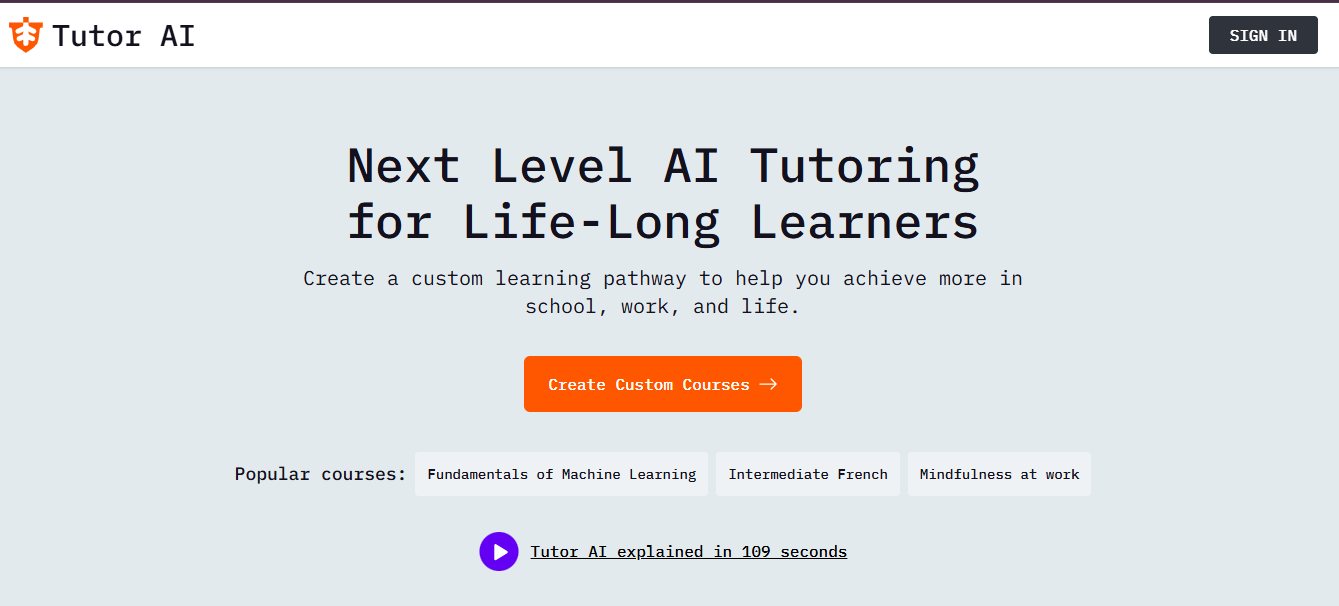
Tutor AI turns any topic into simplified lessons, with examples, quizzes, and step-by-step explanations.
It makes difficult subjects easier for beginners.
Features
- Mini lessons
- Quizzes
- Step-by-step teaching
- Topic-based breakdowns
Reviews
Students find Tutor AI particularly helpful during exam season. A user preparing for a chemistry test mentioned that Tutor AI’s quizzes reinforced concepts he struggled with, resulting in better performance. Many also appreciate its accessibility — lessons are available anytime, anywhere.
Students feel it’s like having a friendly, easy-to-understand tutor.
Pricing Overview
- Free basic plan
- Paid plan for more lessons
Pros
- Very simple explanations
- Great for revision
- Let’s you learn fast
Cons
- Less detailed than real tutors
- Needs internet
Best For
- Exam prep
- Learning new topics quickly
Tutor AI is ideal for students who want quick, personalized learning.
10. Gamma AI – Create Beautiful Presentations Instantly
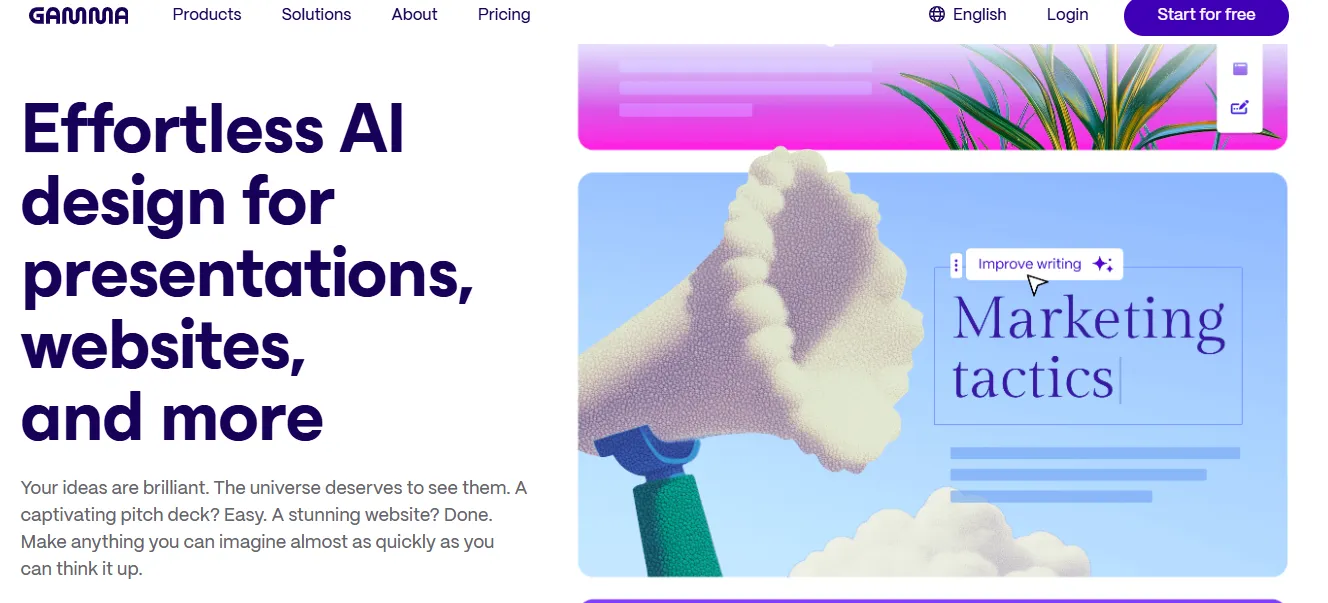
Gamma AI creates full presentations from simple prompts.
You type: “Make a presentation on global warming”, and it generates complete slides with layouts, text, and design.
Features
- AI-generated slides
- Clean templates
- Easy editing
- Export formats
Reviews
Many students find Gamma AI invaluable for class projects. A business student noted that Gamma AI transformed his simple text into a professional-looking pitch deck in minutes. Users appreciate how quickly they can produce slides without design experience.
Students say it saves hours of presentation designing.
Pricing Overview
- Free plan
- Paid for more exports
Pros
- Saves massive time
- Looks professional
- Easy for beginners
Cons
- Fewer design themes
- Requires proofreading
Best For
- School projects
- College presentations
Gamma AI is perfect for students who want fast, clean, professional-looking presentations.
How to Use All 10 Tools Together (Ultimate Student Workflow)
Step 1: Need quick textbook insights? Let ChatPDF do the reading.
Step 2: Save and organize notes easily with NotebookLM.
Step 3: Writing essays? Combine Google Gemini + QuillBot for smooth drafts.
Step 4: Spot grammar mistakes instantly with Grammarly.
Step 5: Stuck on a concept? ChatGPT explains it clearly.
Step 6: Keep your study life tidy using Notion AI.
Step 7: Writing or debugging code? AskCodi has your back.
Step 8: Want to master a topic? Dive deeper with Tutor AI.
Step 9: Create eye-catching slides in minutes with Gamma AI.
This workflow covers every area:
- Reading
- Writing
- Learning
- Research
- Organizing
- Coding
- Presentations
Comparison Table: Best Free AI Tools for Students (2026)
| Tool | Best For | Free/Paid | Why Students Love It |
| NotebookLM | Notes, summaries, research | Both | Smart summaries & Q/A from your notes |
| Google Gemini | Essays, slides, research | Both | Built inside Google Docs/Slides |
| Grammarly | Writing improvement | Both | Grammar fixes, clarity, tone |
| QuillBot | Paraphrasing, citations | Both | Rewrites content professionally |
| ChatPDF | Reading textbooks | Both | Ask questions directly to PDFs |
| ChatGPT | All subjects | Both | Versatile, beginner-friendly |
| Notion AI | Study management | Both | Organizes notes & tasks |
| AskCodi | Coding support | Both | Fixes and explains code |
| Tutor AI | Learning new topics | Both | Mini lessons + quizzes |
| Gamma AI | Presentations | Both | Creates slides automatically |
Frequently Asked Questions (FAQs)
1. Are AI tools safe for students?
Yes — if you use trusted tools and avoid uploading sensitive information.
2. Are these tools completely free?
Most have strong free versions. Some features require upgrades.
3. Can AI improve grades?
Yes, when used responsibly — especially for writing, notes, and revision.
4. Can AI replace teachers?
No. AI supports learning but cannot replace real guidance and feedback.
5. What is the best AI tool for writing essays?
Google Gemini + Grammarly is the strongest combination.
6. What is the best AI tool for studying textbooks?
ChatPDF and NotebookLM are the best ones.
7. What if AI gives incorrect answers?
Always double-check important academic information.
Conclusion
AI is no longer the future; it’s the present of education. Students who learn to use AI tools smartly save time, study better, and feel more confident.
The 10 best free AI tools for students in 2026: NotebookLM, Google Gemini, Grammarly, QuillBot, ChatPDF, ChatGPT, Notion AI, AskCodi, Tutor AI, and Gamma AI —
cover every aspect of student life.
From reading and writing to coding and creating presentations, these tools help you learn faster, work smarter, and stay ahead.
Use them wisely. Stay curious. And let AI be your biggest academic advantage in 2026.
