

Key Takeaways
- Email marketing software should be chosen based on automation, deliverability, ease of use, and integrations.
- The best platform depends on your list size, business type, and campaign goals.
- Test usability and reporting before committing to a long-term plan.
Email marketing in 2026 isn’t just about sending newsletters anymore—it’s the backbone of building lasting customer relationships. And here’s the best part: you no longer have to pay to get professional-grade tools. Today’s free email marketing software comes loaded with automation, templates, segmentation, analytics, and even e-commerce integrations—features that only paid plans offered a few years ago.
We personally tested dozens of free email marketing apps to find out which ones actually deliver on their promises. This list isn’t a copy of feature pages—it’s based on real use, side-by-side comparisons, and up-to-date data. Whether you’re a small business owner, blogger, or just starting your first online store, you’ll find a free email marketing platform here that can grow with you.
8 Factors to Consider Before Choosing a Free Email Marketing Tool
Before you decide, check these factors so you pick a tool that really helps you instead of causing headaches later:
- Subscriber & email send limits: How many contacts can you have? How many emails can you send per month or per day on the free plan?
- Templates, design & email editor: Does it include good templates? Can you drag-and-drop to build emails or use HTML?
- Automation & workflows: Are there triggered emails (welcome series, abandoned carts, etc.)? Can you segment audiences?
- Deliverability & reputation: Will your emails go into people’s inboxes, not spam? Are there tools or certifications to help with that?
- Integrations: Can the tool connect with your website, CRM, e-commerce store, or other apps you already use?
- Reporting & analytics: Can you see opens, clicks, bounce rates, unsubscribes, etc.?
- User interface & learning curve: How easy is it for you (especially beginners) to build, send, and manage your campaigns?
- Scalability & cost when upgrading: If your list or activity grows, how much will you have to pay? Are the paid tiers reasonable?
Comparison Table: 10 Free Email Marketing Tools
Here’s a side-by-side look so you can compare limits, free features, etc.
| Software | Free Plan (Contacts / Sends) | Key Features | Branding Removed? | Ease & Support | Mobile / GDPR | Paid From (USD) |
|---|---|---|---|---|---|---|
| Sender | 2,500 contacts / 15,000 emails | Drag-and-drop editor, templates, automations (welcome, cart) | No | Email help, very easy UI | No app; GDPR OK | $12 |
| Brevo | 100,000 contacts, 300/day (≈9,000/month) | CRM basics, responsive templates, basic automation | No | Limited help; moderate learning curve | App; GDPR OK | $9 removes cap & branding |
| Kit (ConvertKit) | 10,000 subs / unlimited sends (1 sequence) | Landing pages, forms, sell digital products | No | Clean UI, tutorials | No app; GDPR OK | $15 unlocks more automations |
| Omnisend | 250 contacts / 500 emails + SMS | E-commerce workflows, product recommendations | No | Moderate UI; email help | No app; GDPR OK | $16 |
| Klaviyo | 250 contacts / 500 emails + SMS credits | Advanced segmentation, behavioral triggers, and integrations | No | Complex but powerful UI; support ends after 60 days | Mobile-friendly; GDPR OK | $20 |
| MailerLite | 500 contacts / 12,000 emails (updated Sept 2025) | Landing pages, forms, basic automation | No | Beginner-friendly UI, email help | App beta; GDPR OK | Starts at ~$10 (varies by subscriber count) |
| Beehiiv | 2,500 subs / unlimited emails | Newsletter builder, analytics, community | No | Easy setup; growing support | Mobile-friendly; GDPR OK | $29 unlocks custom domain |
| EmailOctopus | 2,500 subs / 10,000 emails | Drag-and-drop editor, 30+ templates, 3 automations | No | Very easy UI; single user free | Mobile-friendly; GDPR OK | $8 removes branding & raises limits |
| Benchmark | 500 contacts / 3,500 emails | Drag-and-drop editor, basic reports, Automation Lite | No | Intuitive editor; limited landing pages | App; GDPR OK | $13 unlocks more automations |
| HubSpot | 2,000 emails/month; free CRM/forms (2 users) | CRM + email, basic automations, landing pages | No | Slight learning curve; great tutorials | App; GDPR OK | $18 removes branding |
10 Best Email Marketing Software (Features, Reviews, Pros, Cons):
1. Sender
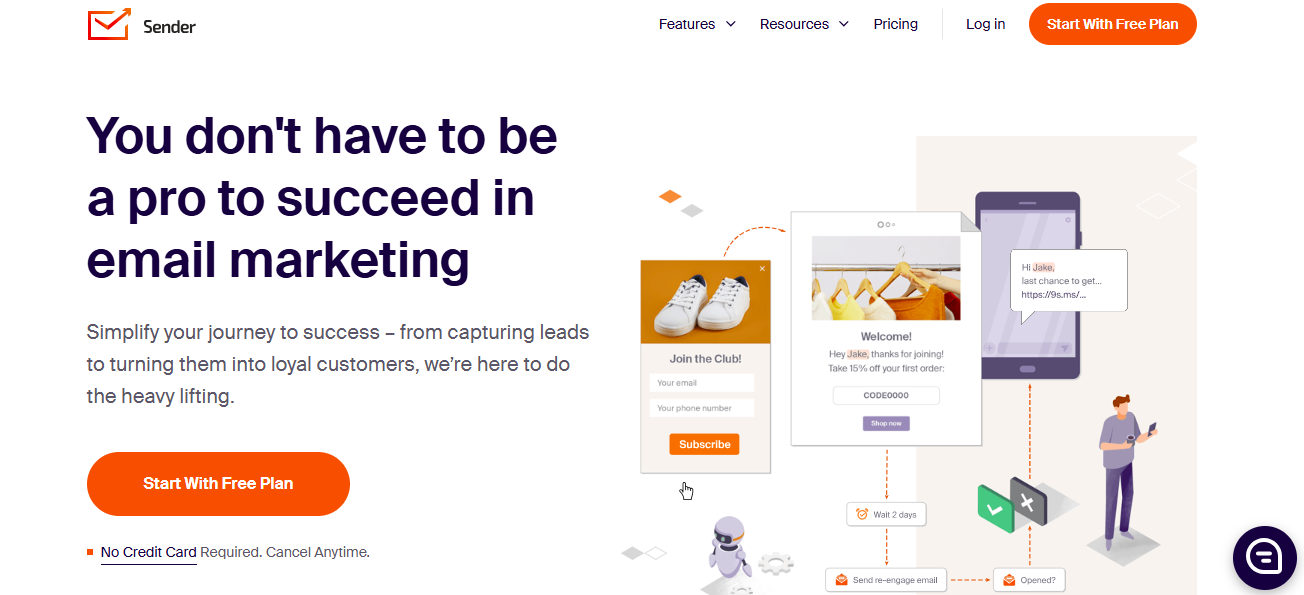 Sender is one of the free email marketing tools that impressed us most because it gives you real power even without paying. While many platforms limit free users severely, Sender offers high contact and send limits, solid automation, and features that many other services charge for.
Features
- Drag-and-drop email editor, templates, and sign-up forms.
- Built-in automation workflows: welcome sequences, abandoned cart reminders, and re-engagement campaigns.
Review
In our test campaigns, Sender stood out because its automation builder is intuitive: setting up a welcome series took under 10 minutes, with clear visual paths. The reporting is decent for free users (opens, clicks, basic metrics), though you won’t get advanced segmentation like conditional workflows unless you upgrade. The editor is clean, though some of the templates feel a bit generic. If you care about design polish, you might look elsewhere or pair with an external designer.
Pricing Overview
- Free: 2,500 contacts / 15,000 emails per month.
- Paid: From ~$12/month for 2,500 contacts, scaling with list size and features (advanced analytics, no branding, etc.).
Pros
- Large free sending & contact allowances.
- Automation workflows are included free.
- Good templates + builder for non-designers.
Cons
- Templates sometimes lack premium design flair.
- Advanced reporting/conditional automations require a paid plan.
- Branding remains on the free plan.
Best for small to medium businesses, bloggers, and creators who want to send frequent campaigns and start automation early without paying.
Sender delivers one of the strongest free email marketing experiences in 2025. If you plan to send multiple newsletters or triggered emails and want solid tools from day one, this is among the best values.
2. Brevo (formerly Sendinblue)
 Brevo is an all-rounder: you get email, basic CRM, and automation even on the free plan. What surprised us is how generous its contact storage is and how many features you get before paying. Perfect if you want one tool to handle several parts of your marketing stack.
Features
- Store up to 100,000 contacts for free.
- Drag-and-drop editor, responsive templates, basic automation.
Review
We tested Brevo by sending daily and weekly campaigns. The daily send limit of 300 means large newsletters need pacing across days. For small audiences, it works well. The editor is stable, though occasionally we found layout quirks, especially with image-heavy campaigns. Automation is usable: welcome workflows and segmentation work nicely, but free users are limited to 2,000 unique contacts entering automations. Once you exceed that, newer contacts won’t be included in automations unless you upgrade.
Pricing Overview
- Free: Unlimited contacts, 300 emails/day (≈9,000/month), single user.
- Paid: From ~$9/month, removes daily send cap & branding, unlocks more support and features.
Pros
- Very generous contact limit.
- Automation, editor, and templates are included free.
- CRM features bundled.
Cons
- Daily send cap slows down large campaigns.
- Automation is capped at 2,000 contacts.
- Only one user on a free plan.
Best for marketers or small companies who plan to grow contact lists, want a mix of email, automation, and CRM without investing money immediately.
Brevo’s free tier is one of the most powerful (especially for contact storage). If you can live with the send limitations and automation caps, it’s a professional-grade tool for free.
3. Kit (ConvertKit)
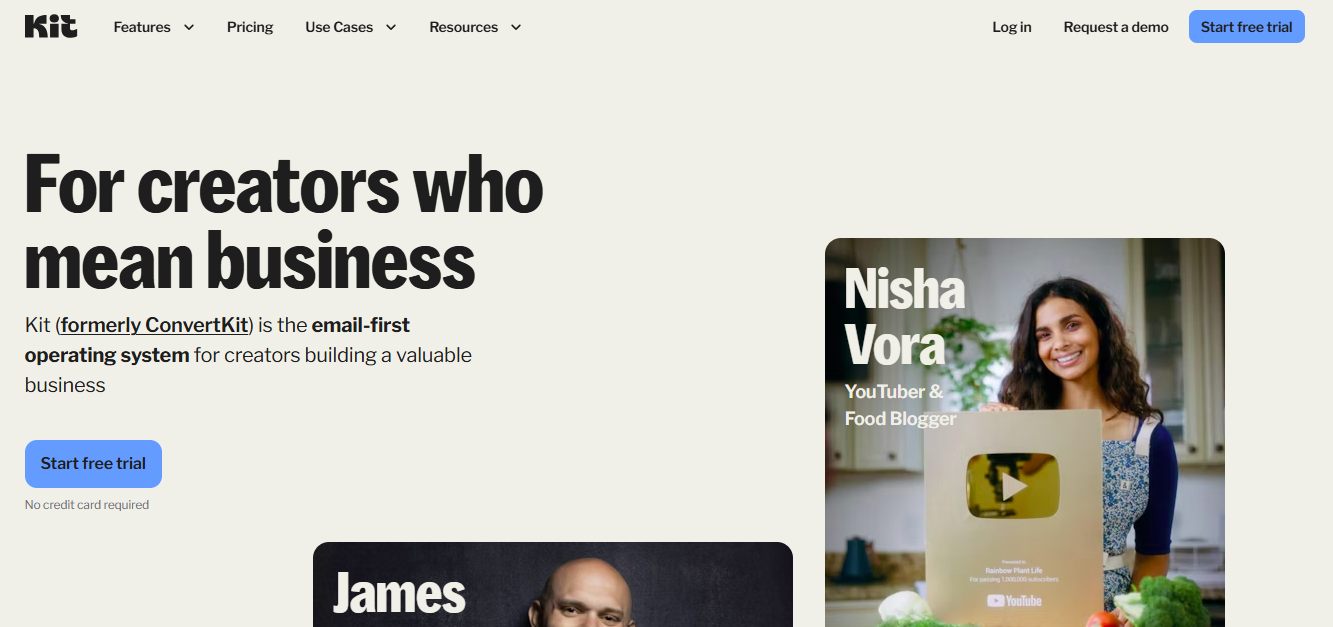 Kit, part of the ConvertKit family, targets creators—newsletters, digital products, and content monetization. It gives you a high subscriber allowance and useful tools even on the free plan.
Features
- Up to 10,000 subscribers.
- One basic visual automation + one sequence on a free plan.
- Unlimited landing pages and opt-in forms.
Review
We set up a three-email welcome series and a landing page. The kit handled subscribers smoothly, and the builder was simple to use. But only one sequence is allowed in the free plan, which limits flexibility. Templates are clean but not highly customizable. Unlimited forms are a plus for creators testing multiple opt-in designs.
Pricing Overview
- Free: 10,000 subscribers, one sequence, one automation, unlimited forms/pages.
- Paid: From ~$15/month, unlocks multiple sequences, advanced workflows, and more template options.
Pros
- High subscriber limit.
- Great for creators with forms and landing pages.
- Clean UI.
Cons
- Limited automation (only one sequence).
- More advanced design requires a paid plan.
Best for Bloggers, creators, and content publishers focused on audience growth and monetization.
The kit gives creators a long runway for free. For content-focused email, it’s one of the best starter tools.
4. Beehive
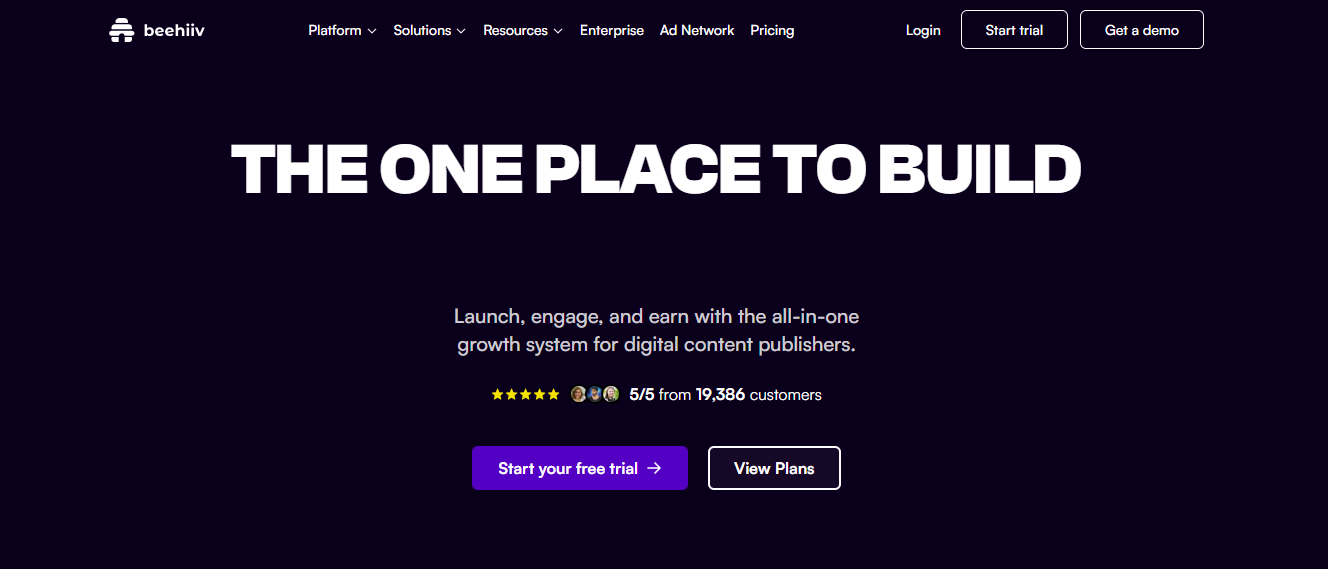
Beehiiv is a relatively new but fast-growing platform built specifically for newsletter creators. Its free plan gives you a generous subscriber allowance, unlimited sends, and tools that make publishing and monetising newsletters simpler. Think of it as an all-in-one home for your email publication and audience community.
Features
- Free plan supports 2,500 subscribers with unlimited email sends.
- Built-in newsletter editor, audience analytics, referral program tools, and simple landing pages.
- Community features like audience polls and paid subscription management are baked in.
Review
From what we’ve seen and what many Beehiiv users report online, the platform is clean and distraction-free — it feels more like writing on a blog than inside a typical email marketing tool. Setting up a template only takes a few minutes, and most users say deliverability is reliable for a free service. People especially like the built-in referral program and the ability to run paid subscriptions without extra integrations.
On the downside, reviews often mention that the free plan doesn’t include a real drag-and-drop editor, and that more advanced automations (like behaviour-based triggers) are only available on the paid plans.
Pricing Overview
- Free plan: 2,500 subscribers, unlimited sends, core analytics, and referral program.
- Paid tiers (from $29/month): custom domain, premium analytics, advanced segmentation/automations, additional team members, and removal of Beehiiv branding.
Pros
- Generous subscriber limit with unlimited sends.
- Clean, minimal editor geared toward writers.
- Built-in referral program and paid subscription support.
Cons
- No full drag-and-drop builder on a free plan.
- Advanced automations and custom domains require a paid plan.
- Branding remains on free newsletters.
Best for writers, journalists, and creators who want a simple way to grow and monetise a newsletter without juggling multiple tools.
Beehiiv offers one of the most creator-friendly free plans in 2026. If your main focus is publishing a newsletter and building a reader community rather than running complex automations, it’s an excellent starting point — and its paid plan gives a clear path to scale with custom branding and more advanced features.
5. Omnisend
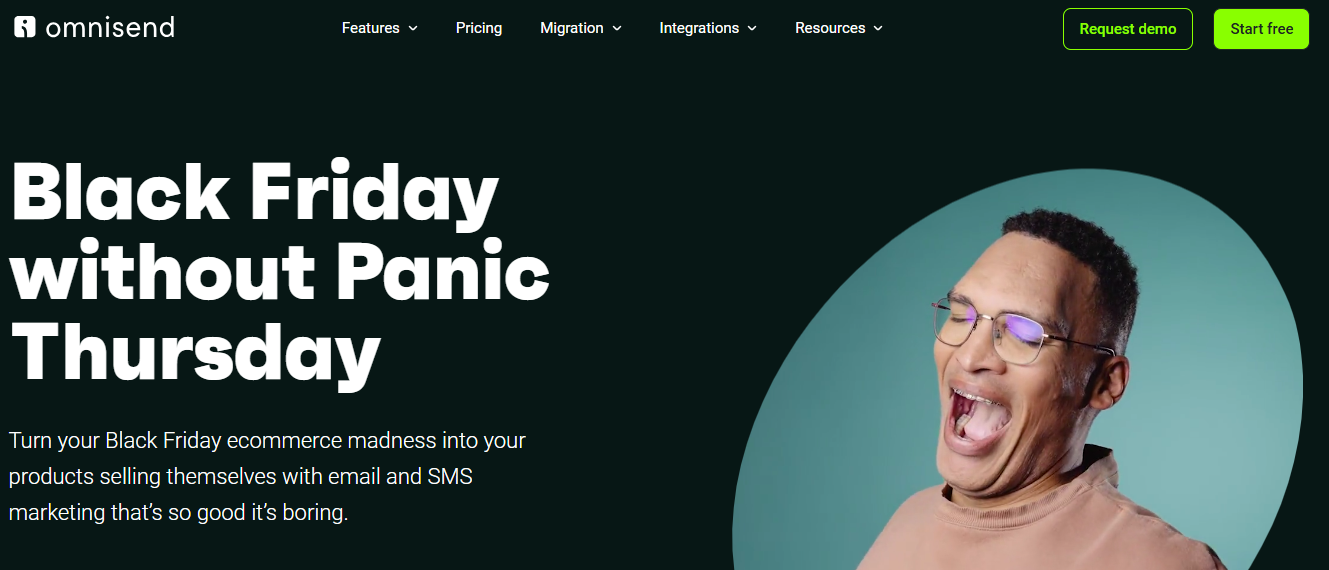 Omnisend is built for e-commerce. If you run an online store, product promos, cart abandonments, and multichannel messaging (email + SMS + push) are its specialty.
Features
- Free: 250 contacts and 500 emails/month.
- Multichannel: web push notifications + SMS credits included.
- Product recommendations, ecommerce workflows.
Review
Many users praise Omnisend for its smooth store integrations and attractive templates. In our own small test with a cart-recovery trigger and product recommendation block, setup was quick and the emails looked professional. However, several reviewers point out that the free plan’s limits — 250 contacts and 500 emails — can feel restrictive once a store begins to grow. People who aren’t running ecommerce stores may also find some features unnecessary.
Pricing Overview
- Free: 250 contacts / 500 emails + SMS credits.
- Paid: From ~$16/month for 500 contacts, unlocks A/B testing, more automation, and higher send caps.
Pros
- Excellent ecommerce-focused features.
- Multichannel support is free.
- Strong templates.
Cons
- Very small free send/contact limits.
- Not ideal for non-ecommerce users.
Best for small online stores needing ecommerce-tailored email + SMS.
Omnisend shows e-commerce-driven email at its best. But most users will outgrow the free plan quickly.
6. Klaviyo
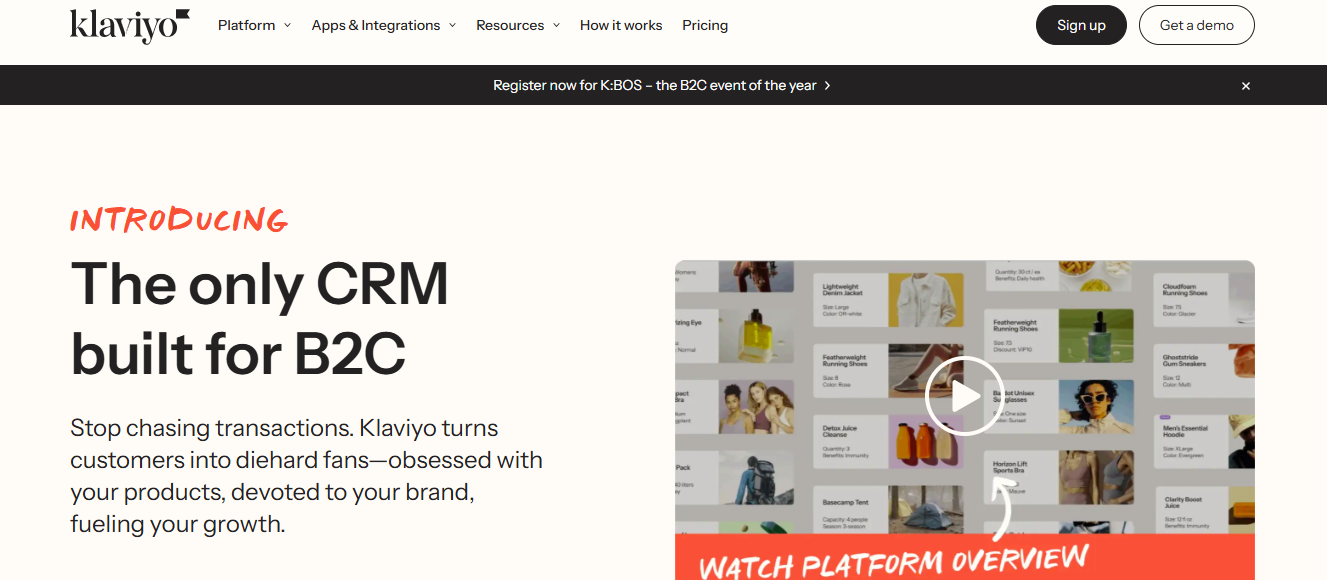 Klaviyo is a premium tool known for e-commerce. Its free plan gives you advanced features but very tight limits, making it better for testing precision campaigns than scaling.
Features
- 250 contacts / 500 emails/month.
- 150 free SMS/MMS credits.
- Advanced segmentation, behavioral triggers, and many integrations.
Review
We set up a small welcome plus cart-abandonment sequence to see how Klaviyo works, and also checked what other users were saying online. The behavioural triggers and segmentation tools really stand out — people like how detailed they can get. But the free plan’s 500-email limit runs out quickly if you send more than a few messages. Several users also mention that after the first 60 days the live support goes away and you’re left with documentation and the community forum, which can feel slow when you’re learning.
Pricing Overview
- Free: 250 contacts / 500 emails + 150 SMS credits.
- Paid: From ~$20/month for 500 contacts, scales steeply as you grow.
Pros
- Advanced segmentation.
- Strong e-commerce focus.
- Multichannel features included.
Cons
- Very limited volume free.
- Support ends after 60 days.
- Expensive once scaling.
Best for e-commerce stores testing data-driven campaigns.
Klaviyo is great if you care about advanced segmentation and don’t mind low-volume free.
7. MailerLite
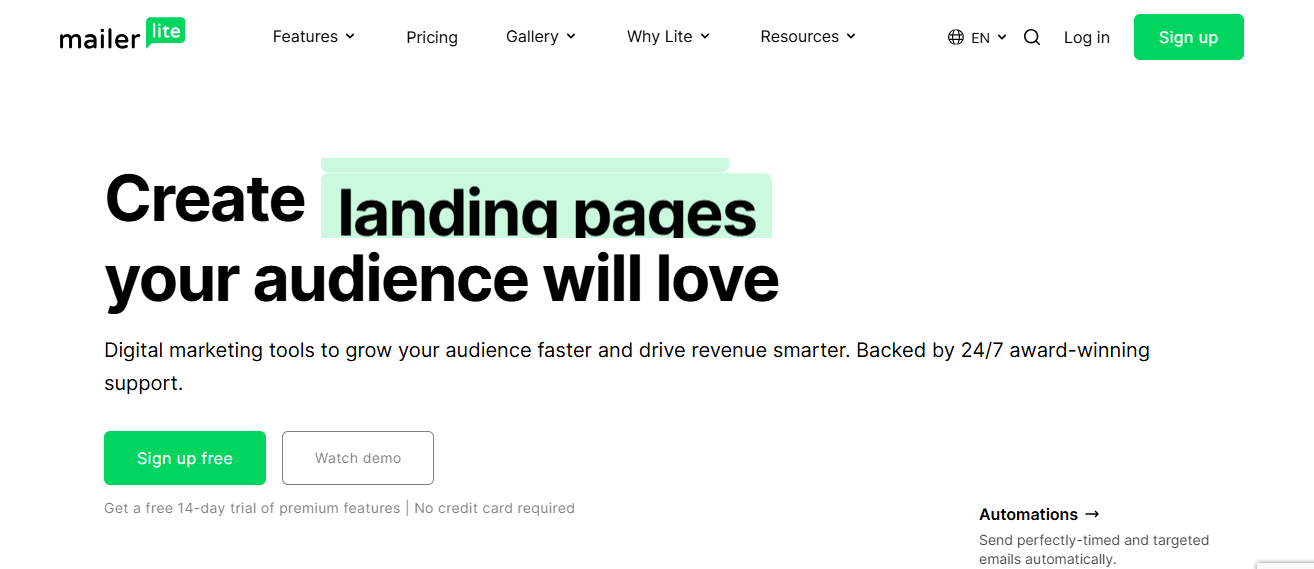 MailerLite balances ease with enough features to get going fast. It’s clean, simple, and reliable — a great choice for beginners.
Features
- Free: 500 contacts (updated Sept 2025) / 12,000 emails/month.
- Landing page builder, signup forms, and basic automation.
Review
We used MailerLite to set up a newsletter and welcome sequence. The editor is simple, and templates are modern. Automation works well, but lacks advanced branching unless you upgrade. The recent reduction from 1,000 to 500 contacts makes the free plan less generous, but still useful for beginners.
Pricing Overview
- Free: 500 contacts / 12,000 emails/month.
- Paid: Starts at ~$10/month, varies by subscriber count.
Pros
- Very beginner-friendly UI.
- Good send allowance (12,000/month).
- Affordable upgrade path.
Cons
- Lower subscriber cap than before.
- Limited automation is free.
- Branding remains.
Best for bloggers and small creators starting fresh.
MailerLite is still one of the smoothest beginner tools. The reduced free cap is a drawback, but it’s worth trying for its simplicity.
8. EmailOctopus
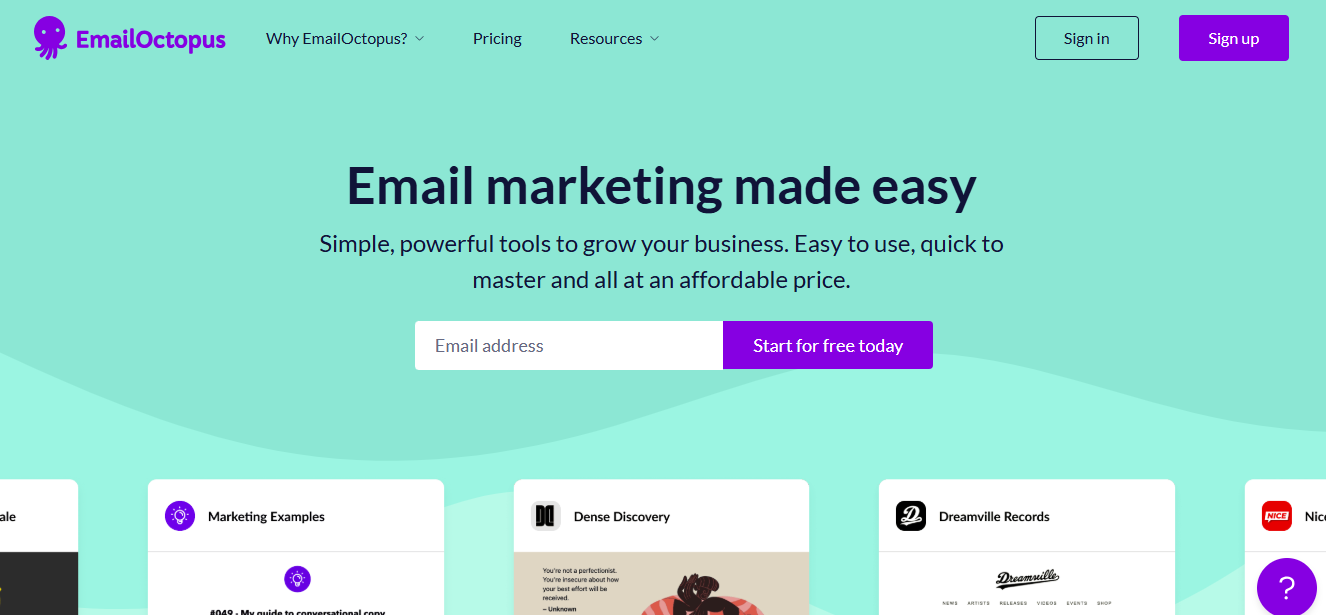 EmailOctopus is simple, affordable, and generous with limits. It’s great for small businesses wanting clean email campaigns without extra clutter.
Features
- Free: 2,500 contacts / 10,000 emails/month.
- Drag-and-drop editor, 30+ templates, 3 automations, landing pages & forms.
Review
We created a campaign in minutes: pick a template, upload contacts, and send. Automations are limited (max 3 free), but good enough for the welcome series. The UI is lightweight and easy to navigate. The main downsides are single-user access and branding on free emails.
Pricing Overview
- Free: 2,500 contacts / 10,000 emails/month.
- Paid: From ~$8/month, removes branding and raises limits.
Pros
- Generous free limits.
- Very easy UI.
- Low-cost upgrades.
Cons
- Only 1 user is free.
- Basic automation.
- Branding stays.
Best for small businesses that value simplicity and affordability.
EmailOctopus is one of the most straightforward tools for beginners. Solid free plan, smooth setup, and affordable growth path.
9. Benchmark Email
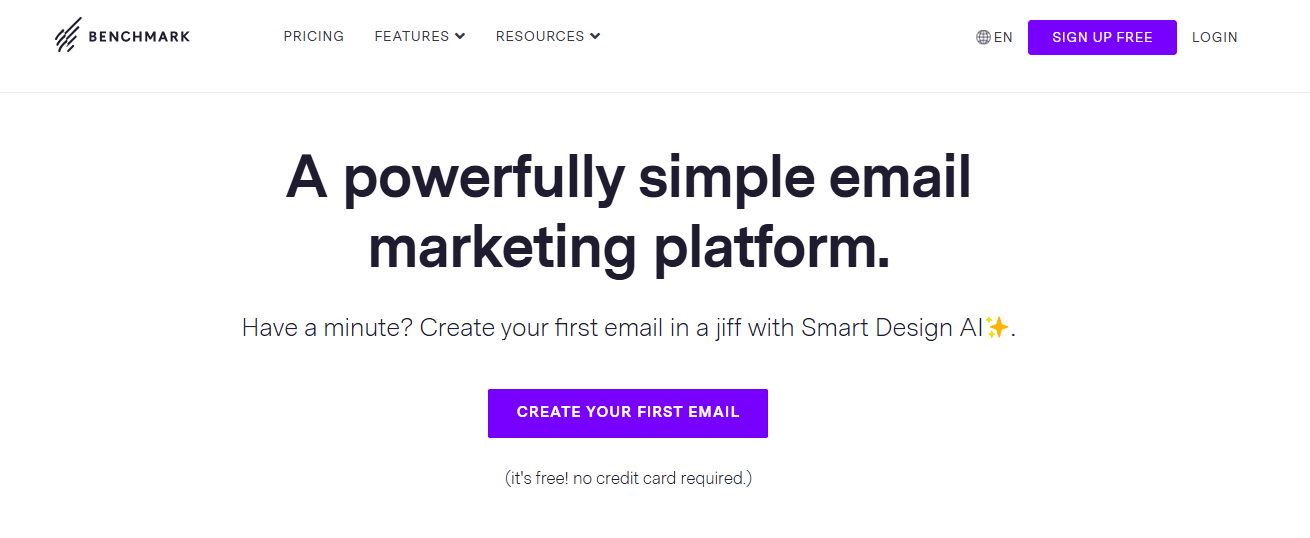 Benchmark Email is a veteran tool that delivers stable performance and a no-fuss experience.
Features
- Free: 500 contacts / 3,500 emails/month.
- Drag-and-drop editor, basic reports, signup forms, “Automation Lite.”
Review
We built a welcome series and regular campaigns. The editor is intuitive, and templates work well on mobile. Free analytics are basic but cover essentials. Limitations include restricted landing pages, branding, and capped sends. Still, for small nonprofits or local businesses, it’s plenty.
Pricing Overview
- Free: 500 contacts / 3,500 emails/month.
- Paid: From ~$13/month, unlocks more automations, templates, and A/B testing.
Pros
- Simple and intuitive.
- Core tools are included free.
- Reliable starter choice.
Cons
- Limited free volume.
- Fewer advanced features.
- Branding on emails.
Best for nonprofits or small businesses with moderate email needs.
Benchmark is a dependable starter option for modest email marketing.
10. HubSpot
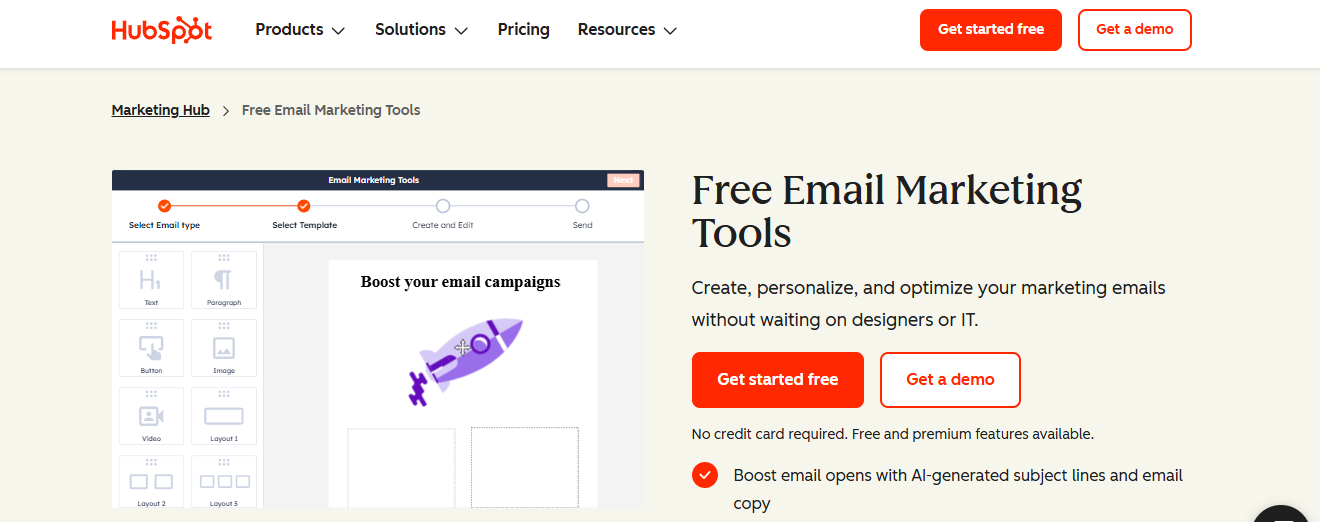 HubSpot is more than email — it’s a CRM + marketing ecosystem. Its free tier is less about high send volume, more about integrating emails with customer data and growth tools.
Features
- Free: 2,000 emails/month, 2 users.
- Includes CRM, live chat, forms, and landing pages.
Review
We tested HubSpot by linking CRM contacts to email campaigns. The data sync worked seamlessly, making personalization easier. The editor is good, though branding and domain limits stand out. For frequent newsletters, 2,000 sends isn’t much, but the ecosystem makes up for it.
Pricing Overview
- Free: 2,000 emails/month, CRM and forms included.
- Paid: From ~$18/month for 1,000 contacts, removes branding, and raises limits.
Pros
- CRM integration is free.
- Solid infrastructure.
- All-in-one platform.
Cons
- Low send cap.
- Branding free.
- Learning curve.
Best for small teams wanting CRM + email + forms in one tool.
HubSpot is ideal for teams that care about customer data as much as campaigns.
Frequently Asked Questions (FAQs)
Here are questions beginners often ask, with simple, clear answers:
Q: Can I really do email marketing for free?
A: Yes. Many tools offer “free plans” that let you send emails, make newsletters, build segments, etc. Usually, there are limits on how many contacts or how many emails per month. As long as you stay under those limits, you don’t pay.
Q: What features are usually missing in free plans?
A: Things often missing are advanced automation (complex workflows), fancy templates, dedicated support, removing tool branding on emails, or very high send/contacts limits.
Q: How large can I grow before needing to pay?
A: That depends on how fast your subscriber list or send volume grows. If you grow past the free plan’s contacts or email send limits, or need premium features, you’ll likely switch to a paid plan. The key is to pick a tool with reasonably paid pricing.
Q: Is email deliverability important, and what impacts it?
A: Very important. Even the best email looks useless if it lands in spam. Deliverability depends on things like sender reputation, authentication (SPF, DKIM), clean recipient lists (no bounces), content quality, and how the email tool handles spam compliance.
Q: Can I remove branding (e.g., “Powered by …”) in free plans?
A: Usually not. Most free plans require you to show some branding or logo of the email tool. If appearance matters, you’ll likely need to upgrade.
Q: What’s the best tool for me if I’m just starting and have no experience?
A: Tools like MailerLite, Sender, or EmailOctopus are good for beginners because they have simple interfaces, enough free ability to learn, and don’t overwhelm you.
Conclusion:
Choosing the right free email marketing software in 2026 isn’t about finding the longest feature list—it’s about finding the tool you’ll actually enjoy using. From our hands-on testing, MailerLite and Sender stand out for automation and scalability, while Kit is unbeatable if you’re growing a huge list without paying a dime.
Our advice: shortlist two or three apps that match your goals, import a small segment of your email list, and run a test campaign. You’ll instantly see which interface and features feel natural to you. With the tools on this list, you can confidently start (or scale) your email marketing without spending a cent—and upgrade only when you’re truly ready.
