

Key Takeaways
- Time tracking software helps businesses monitor work hours, improve productivity, and streamline billing.
- The best tool depends on team size, integrations, reporting needs, and ease of use.
- Look for accurate tracking, privacy controls, and clear reporting before choosing a platform.
Keeping track of work hours shouldn’t feel like a full-time job. For many business owners and team leaders, managing timesheets meant juggling spreadsheets, chasing updates, and worrying about missed hours or inaccurate billing. Mistakes could cost money, create tension, or slow down projects.
Thankfully, modern time tracking software has transformed this process. With the right tool, you can effortlessly monitor team hours, streamline billing, optimize productivity, and make smarter project decisions. But with so many options on the market, finding the perfect solution can feel overwhelming — especially if you’re new to time tracking.
This guide simplifies everything. You’ll discover the 10 best time tracking software solutions for businesses in 2026, carefully chosen based on reliability, features, user experience, pricing, and ease of use. Each tool on this list is proven, trusted, and designed to save time while boosting efficiency.
Let’s dive in and find the perfect match for your team.
What Is Time Tracking Software?
Time tracking software is a digital tool that records how employees, teams, or businesses spend their working hours. It helps track tasks, projects, billable hours, and productivity in real time. These tools replace manual spreadsheets and give accurate, automatic timesheets that help manage work more efficiently.
Why Is Time Tracking Software Necessary for Businesses?
Time tracking software is essential because it helps businesses reduce wasted hours, improve productivity, and manage projects with real-time data. It provides accurate time reports, simplifies billing, prevents overwork, and ensures teams stay accountable. This leads to better planning, cost control, and higher profitability for any business.
Factors to Consider Before Choosing Time Tracking Software
Choosing the right time tracking software depends on your business type, workflow, team size, and budget. Every tool offers different strengths, so beginners must understand the key features that truly matter.
Below are the most important factors businesses should evaluate before making a final decision.
1. Ease of Use
A time tracking tool must be simple enough that your team can start using it immediately without extra training or confusion. If employees find the software complicated, they will avoid using it, which leads to inaccurate timesheets and wasted productivity.
Look for:
- One-click timers
- Clean, simple dashboards
- Easy navigation
- Mobile apps for on-the-go tracking
- Browser extensions
- Fast onboarding and tutorials
2. Integrations
Great time tracking software should easily connect with the apps your business already uses. Integrations help automate tasks, avoid double work, and keep all data in one place. This ensures your time tracker fits naturally into your existing workflow.
Look for integrations with:
- Slack
- Trello
- Asana
- QuickBooks
- Jira
- CRM tools
- Project management platforms
- Accounting and payroll systems
3. Billing & Invoicing
If your business bills clients based on hours worked, then built-in billing and invoicing features become essential. They save time, reduce errors, and help you get paid faster. Instead of calculating hours manually, the software can automatically convert tracked time into accurate invoices that clients understand clearly.
Look for:
- Billable vs. non-billable hours
- Automated invoice creation
- Custom invoice templates
- Expense tracking
- Client summary reports
- Multi-currency support
4. Monitoring Features (Optional)
Some businesses, especially those with remote teams or sensitive projects, need extra monitoring to ensure work quality and security. These features help managers see how time is spent, verify productivity, and maintain accountability. While optional, they can be extremely helpful for certain industries and distributed teams.
Look for:
- Screenshots (timed or random)
- Activity levels
- Keyboard/mouse activity
- URL and app usage
- GPS tracking for field teams
- Attendance monitoring
5. Reporting & Analytics
Detailed reports help businesses understand exactly where time goes, which projects cost more, and which clients are most profitable. Time tracking becomes valuable only when the data can be analyzed. Strong reporting tools make it easier for beginners and managers to make smarter decisions based on real numbers.
Look for:
- Detailed timesheets
- Project cost breakdown
- Team workload reports
- Profitability analysis
- Export options (CSV, PDF, Excel)
- Real-time dashboards
6. Pricing
Pricing plays a major role, especially for small businesses and startups. The right tool should offer value without hidden charges. Many platforms provide free plans or trials to test the software before committing. Understanding pricing structure helps ensure the tool fits your budget as your team grows.
Consider:
- Free plans
- Cost per user
- Monthly vs. yearly pricing
- Hidden fees or add-ons
- Storage limits
- Cost of advanced features
7. Team Size Requirements
Not all time tracking tools are designed for every team size. Some are perfect for freelancers, while others are built for large companies with complex workflows. Choosing a tool that matches your team size ensures you get the right features and don’t overpay for things you don’t need.
Consider:
- Solo freelancer needs
- Small business tools
- Mid-size team features
- Enterprise-grade security
- Collaboration features
- Role-based permissions
10 Best Time Tracking Software Solutions for Businesses
Here are the best time tracking tools that you can use for your business.
- Toggl Track
- Clockify
- Harvest
- Hubstaff
- Time Doctor
- TSheets by QuickBooks
- RescueTime
- Everhour
- ClickUp Time Tracking
- Paymo
Now you will get the deep profile of each software:
1. Toggl Track
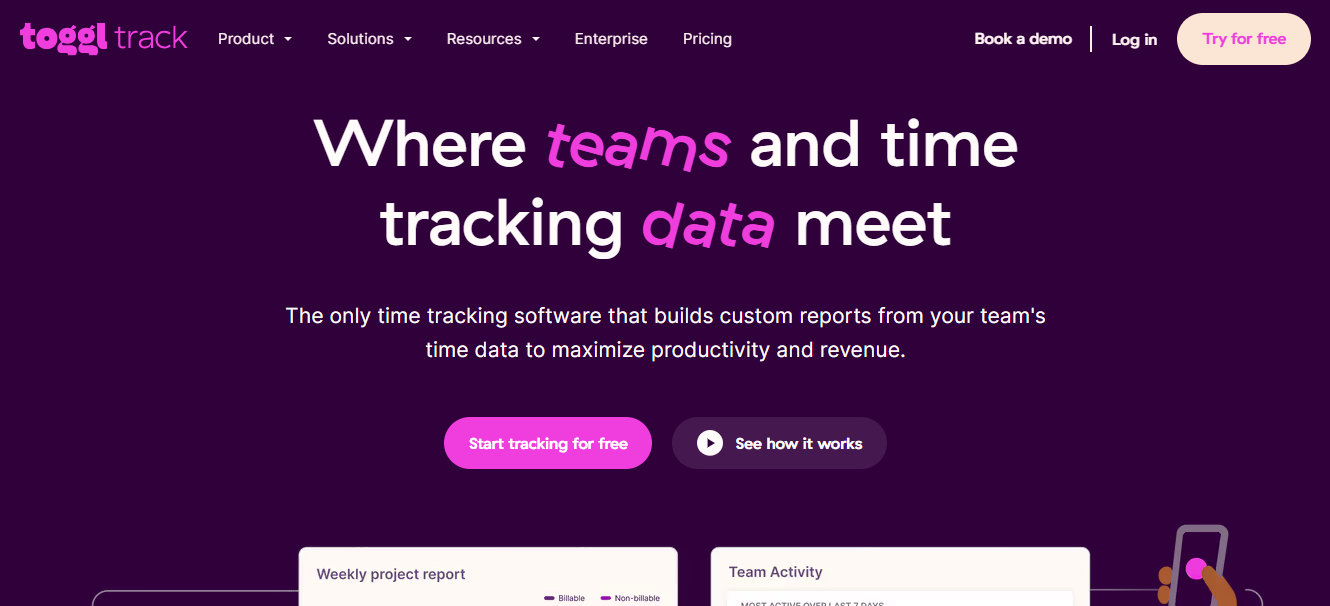
Toggl Track is one of the most popular time tracking tools for small businesses, freelancers, and remote teams. It offers a clean interface, simple controls, and fast tracking. You can start tracking time with one click, switch between tasks easily, and generate professional reports instantly.
Features
- One-click time tracker
- Detailed reports for clients and teams
- Billable hours tracking
- Project and task management
- Integrations with 100+ tools
- Idle time detection
- Reminders to start/stop the timer
- Mobile, desktop, and browser extension
Reviews
Users love Toggl for its simplicity and clean design. It’s one of the easiest tools for beginners. Many small businesses use it because the learning curve is almost zero. Reports and data exports are smooth and reliable.
Pricing Overview
- Free plan: For up to 5 users
- Paid plans start at $10/user/month
Pros
- Extremely easy to use
- Excellent reporting
- Great mobile and desktop apps
- Ideal for freelancers and small teams
Cons
- Limited monitoring features
- Not ideal for companies that need screenshots or GPS
Best For
Freelancers, agencies, marketing teams, small businesses.
Toggl Track is perfect if you want a lightweight, simple tool that gets the job done without overwhelming you.
2. Clockify
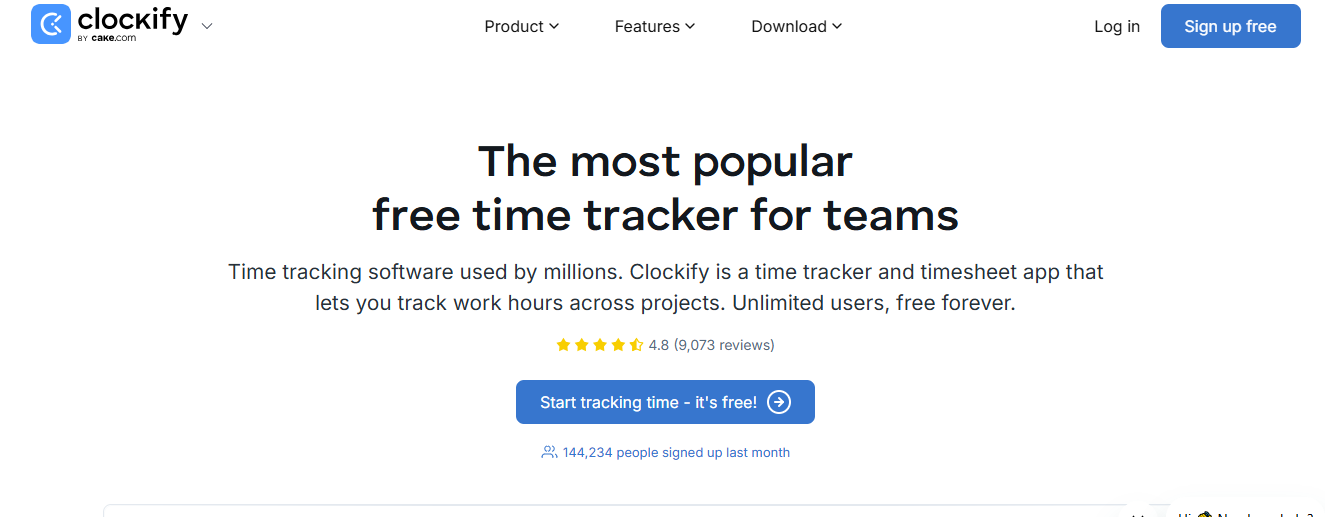
Clockify is one of the most widely used free time tracking tools in the world. It offers unlimited time tracking, unlimited users, and unlimited projects — all at no cost. This makes it extremely attractive for startups and small businesses.
Features
- Unlimited time tracking
- Project and task management
- Timesheets
- Custom reports
- Billable hour tracking
- Team scheduling
- Integrations with 80+ apps
Reviews
Clockify is praised for providing a full set of features even in its free plan. Beginners find it easy to use, and small teams love that they don’t need to pay for basic features.
Pricing Overview
- Free forever plan
- Paid plans start at $3.99/user/month
Pros
- Very generous free plan
- Easy for large teams
- Works on all devices
Cons
- Paid features are needed for advanced reports
- Interface can feel basic
Best For
Startups, new businesses, educational teams, and non-profits.
If you want a powerful free tool to track time for your whole team, Clockify is the best choice.
3. Harvest
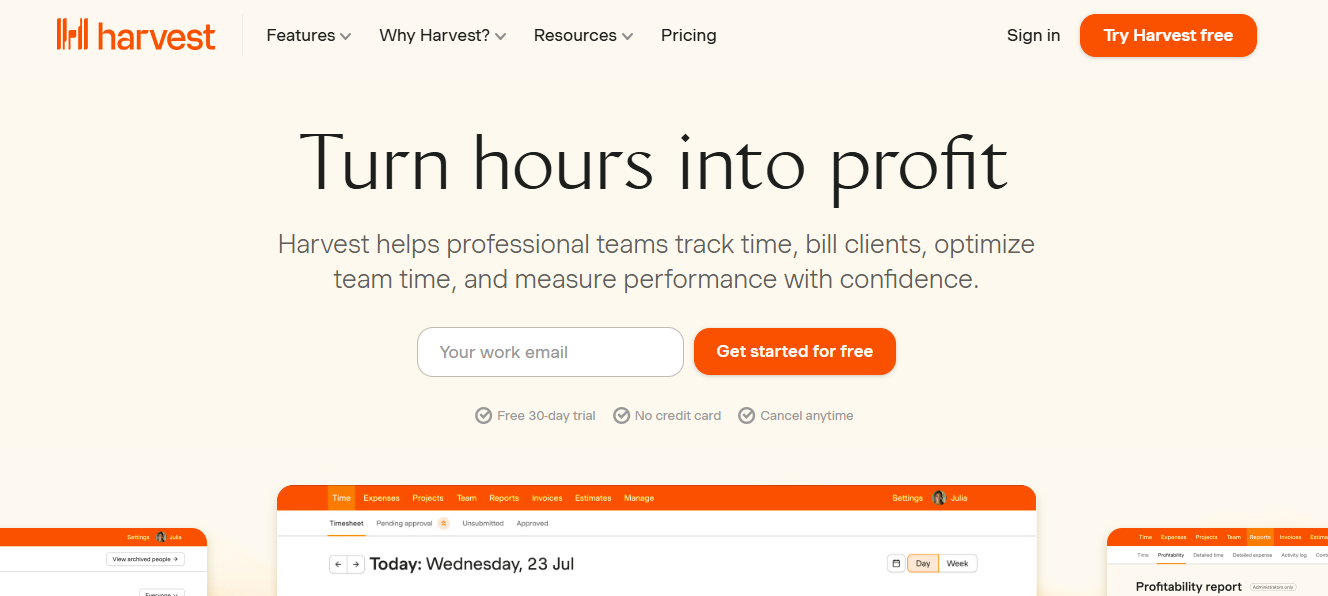
Harvest is a time tracking and invoicing solution loved by agencies, consultants, and service-based businesses. Along with tracking time, it helps you bill clients, track expenses, and manage project budgets.
Features
- Time tracking across multiple projects
- Built-in invoicing
- Expense tracking
- Visual reporting
- Team availability tracking
- Integrations with Stripe, Asana, and Slack
Reviews
Users appreciate Harvest for its polished design and smooth workflows. Agencies especially love the built-in invoicing because it reduces admin work.
Pricing Overview
- Free plan: 1 user + 2 projects
- Paid plan: $12/user/month
Pros
- Excellent for invoicing
- Great client-facing reports
- Reliable and stable
Cons
- The free plan is limited
- Not ideal for companies needing monitoring
Best For
Agencies, consulting firms, marketing companies.
Harvest is a complete solution if you want to track time and send invoices from the same place.
4. Hubstaff
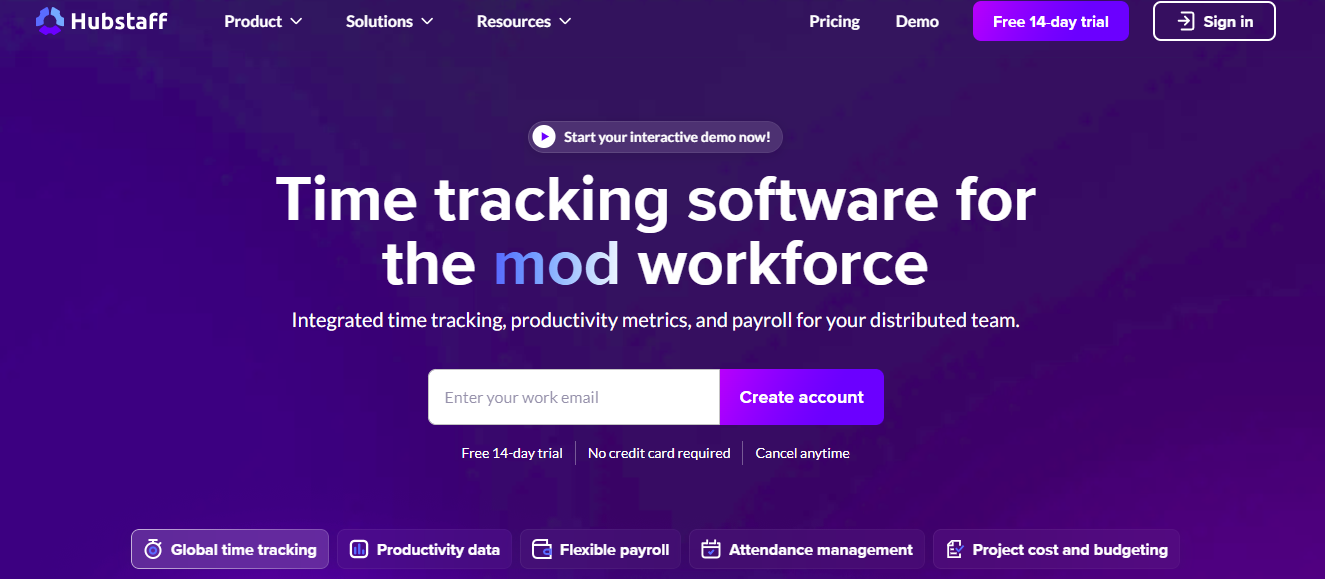
Hubstaff is a powerful tool made for remote companies that need monitoring features like screenshots, activity percentages, and GPS tracking. It’s widely used in industries like IT support, field work, and distributed teams.
Features
- Time tracking with screenshots
- GPS and geofencing
- Payroll automation
- Activity monitoring
- Employee scheduling
- Productivity analytics
Reviews
Hubstaff receives strong feedback from remote teams needing accountability. The monitoring tools are accurate and help managers understand productivity levels.
Pricing Overview
- Free plan for 1 user
- Paid plans start at $7/user/month
Pros
- Strong monitoring
- Great for remote teams
- GPS for field employees
Cons
- Not ideal for creative teams
- Monitoring may feel strict to some employees
Best For
Remote teams, field service companies, and IT outsourcing.
Choose Hubstaff if accountability and monitoring are important for your business.
5. Time Doctor
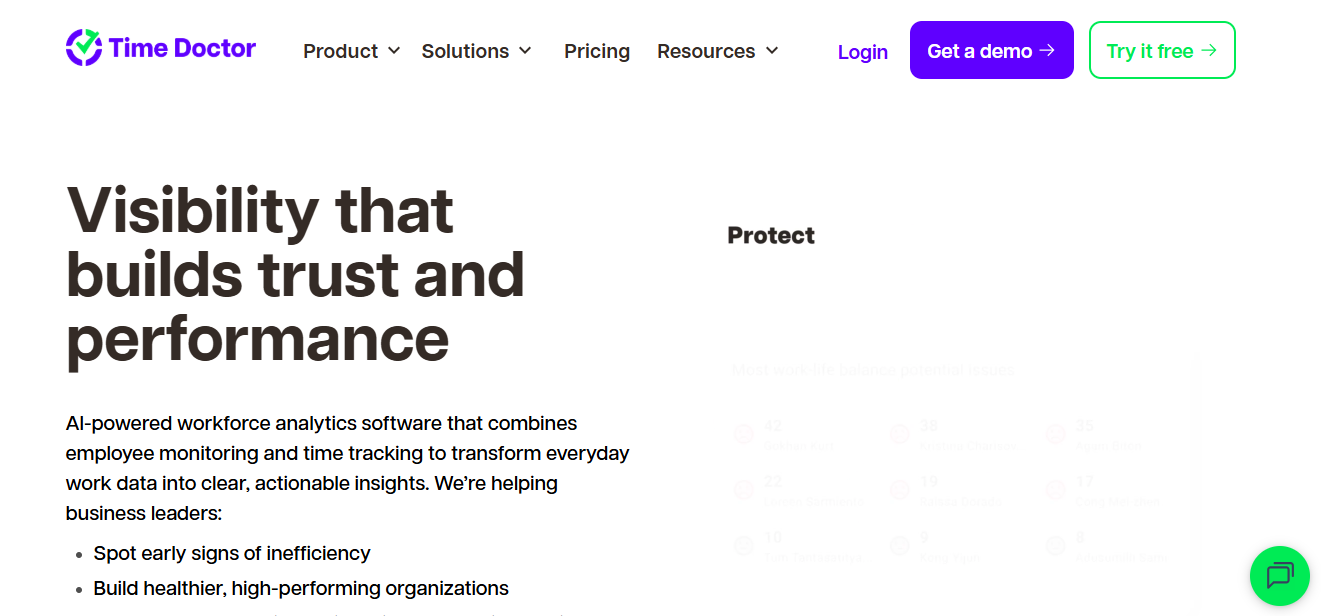
Time Doctor is another monitoring-focused tool designed for productivity management. It tracks how employees use time and sends distraction alerts when someone visits non-work websites too often.
Features
- Screenshots
- Activity tracking
- Distraction alerts
- Time usage reports
- Website and app tracking
- Payroll management
Reviews
Users like the distraction alerts and the detailed breakdown of how time is spent. Companies with remote employees find it especially useful.
Pricing Overview
Paid plans start at $7/user/month
Pros
- Great monitoring tools
- Strong productivity analytics
- Helps reduce time wastage
Cons
- Not ideal for creative teams
- Some employees may find monitoring stressful
Best For
Companies want deep insights into employee behavior.
Time Doctor is a great tool if you want detailed breakdowns of productivity and employee focus.
6. QuickBooks Time (TSheets)
QuickBooks Time is ideal for businesses with field workers, construction teams, delivery staff, or companies that rely on GPS-based tracking. It easily connects with QuickBooks for payroll.
Features
- GPS tracking
- Scheduling
- Timesheet management
- Mobile time clock
- Payroll integrations
- Job costing
Reviews
Users appreciate the accurate GPS geolocation, making it one of the best tools for physical job sites.
Pricing Overview
Paid plans start at $8/user/month + base fee
Pros
- Excellent for field teams
- GPS accuracy is strong
- Reliable payroll sync
Cons
- Base fee increases total cost
- Not ideal for digital teams
Best For
Construction, delivery companies, field service teams.
If your team works in different physical locations, QuickBooks Time is one of the best tools available.
7. RescueTime
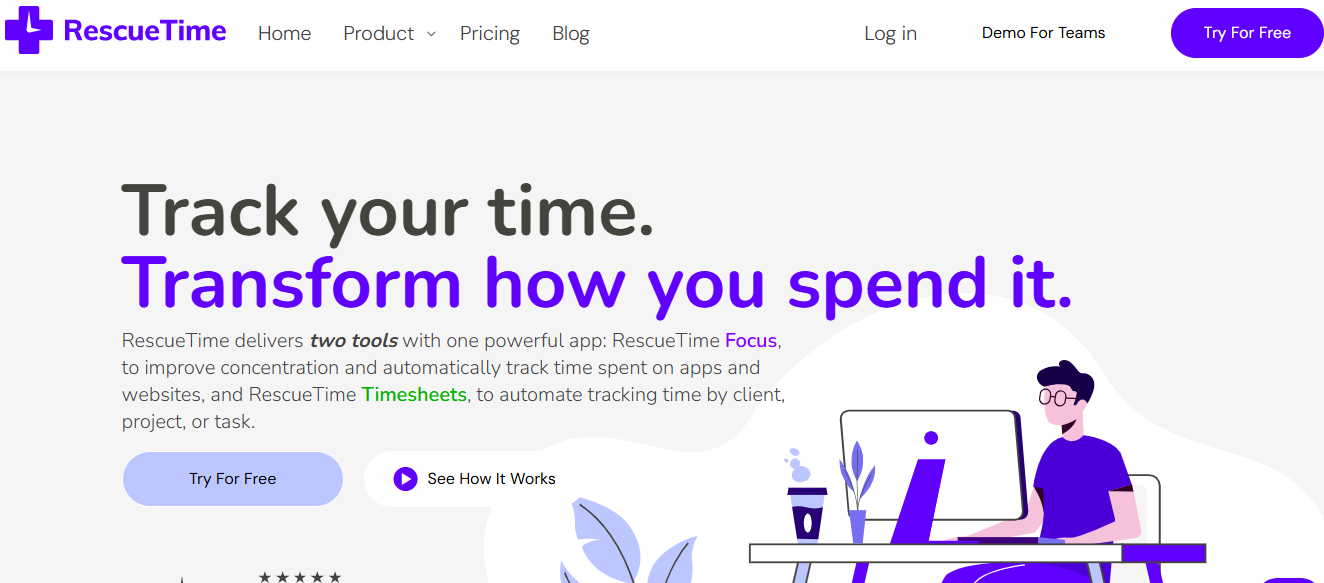
RescueTime is not a manual time tracker — it automatically tracks how users spend time. It’s perfect for individuals or teams wanting to improve focus.
Features
- Automatic activity tracking
- Focus scores
- Daily productivity reports
- Distraction blocking
- Goal setting
Reviews
Users say RescueTime helps reveal hidden time wasters and builds better work habits.
Pricing Overview
Plans start at $12/month
Pros
- No manual tracking needed
- Great for productivity improvement
- Automatic insights
Cons
- Not ideal for billing clients
- Less business-focused
Best For
Employees want to improve focus and reduce distractions.
RescueTime is perfect for improving personal productivity and focus.
8. Everhour
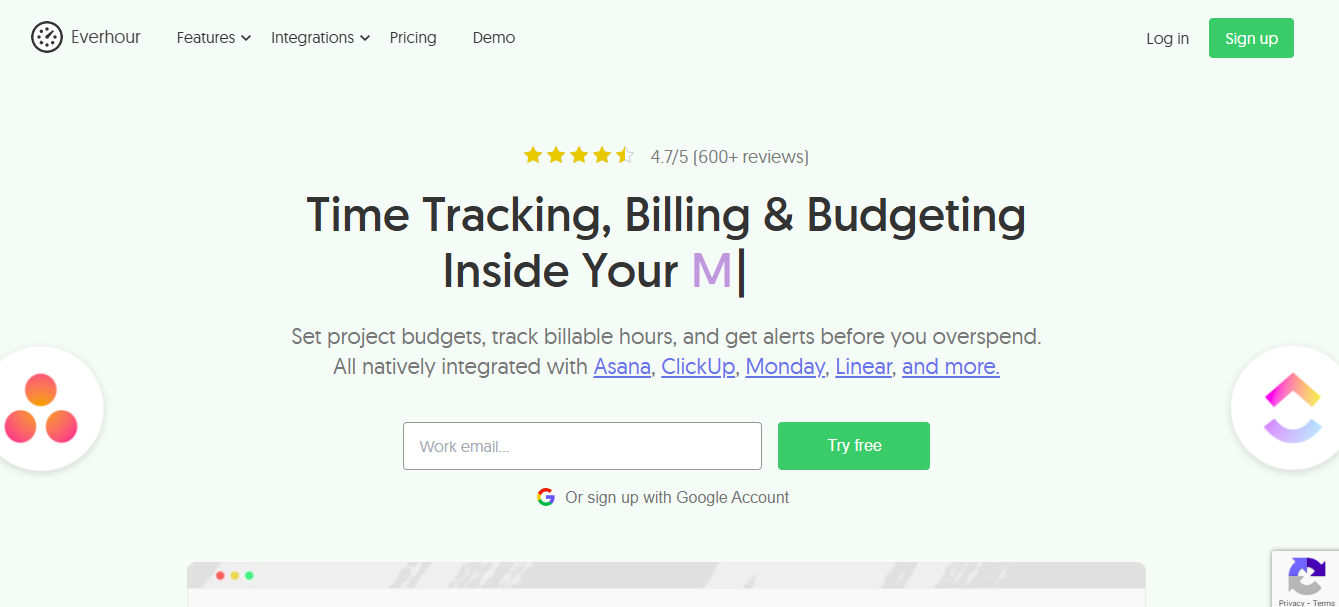
Everhour is a highly accurate time tracker that integrates directly inside your favorite project management tools like Asana, Trello, and ClickUp. This makes it ideal for teams already using these platforms.
Features
- Native integrations
- Budget tracking
- Reporting
- Team timesheets
- Client invoicing
- Resource planning
Reviews
Users say Everhour feels “built-in” to their workflow because it integrates so naturally with project tools.
Pricing Overview
Starts at $10/user/month
Pros
- Best integrations on the list
- Accurate reporting
- Great for project teams
Cons
- Limited standalone features
- No free plan
Best For
Teams using Asana, Trello, Basecamp, or ClickUp.
Everhour is perfect for teams who want deep integration with their project management tools.
9. ClickUp Time Tracking
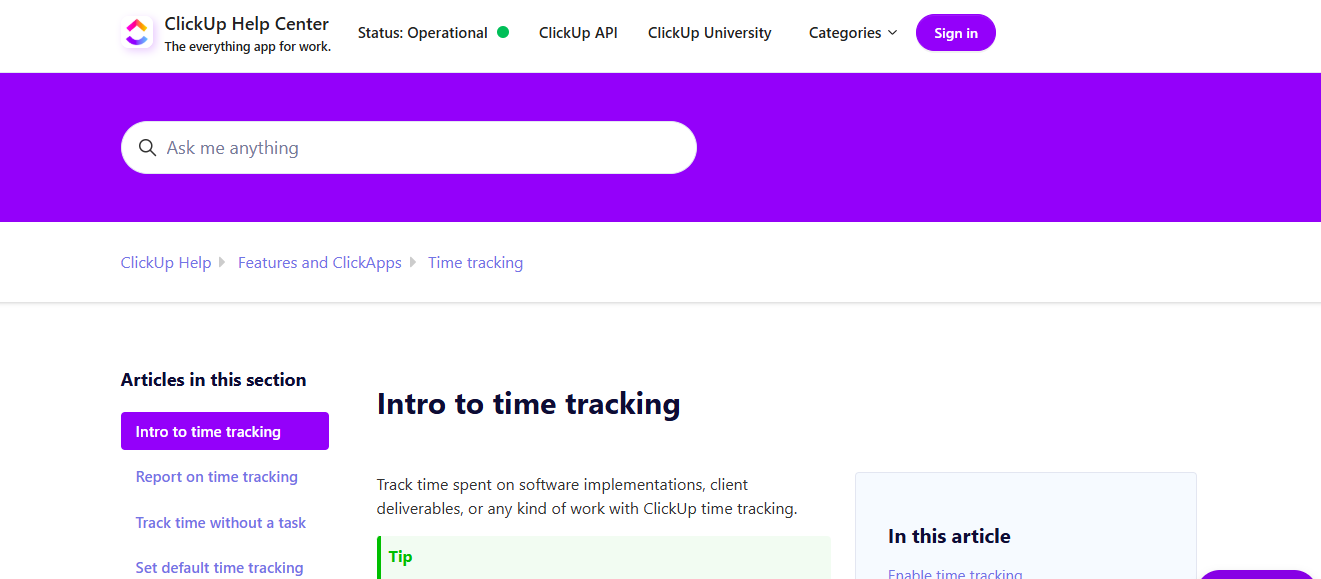
ClickUp is an all-in-one productivity system with built-in time tracking. Instead of using separate apps for tasks, docs, time, scheduling, and communication, ClickUp puts everything in one place.
Features
- Built-in time tracking
- Project management
- Task automations
- Goals and OKRs
- Collaboration tools
- Reporting
Reviews
Users appreciate that ClickUp combines so many tools. The time tracking isn’t the most advanced, but it’s perfect if you want everything under one roof.
Pricing Overview
Starts at $7/user/month
Free plan available
Pros
- All-in-one system
- Strong collaboration
- Affordable
Cons
- Large platform, can feel overwhelming
- Not built for monitoring
Best For
Teams wanting a full project management + time tracking solution.
ClickUp is best if you want a central platform for all work activities, including time tracking.
10. Paymo
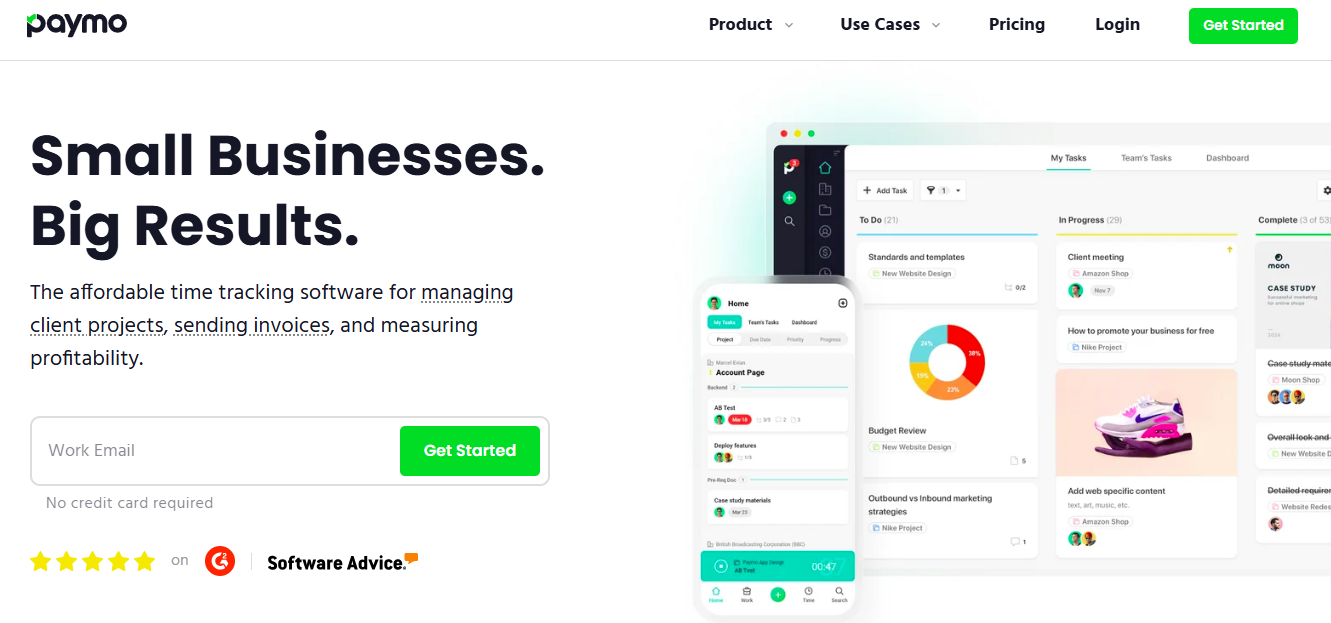
Paymo is designed for small and medium businesses that want time tracking, project management, task management, and invoicing in a unified system. It’s especially loved by creative agencies.
Features
- Time tracking
- Task management
- File management
- Project scheduling
- Client invoicing
- Reporting
Reviews
Users love the clean design and find it easier to use compared to larger project management tools.
Pricing Overview
Starts at $5.90/user/month
Pros
- Powerful yet simple
- Affordable
- Great all-in-one features
Cons
- Fewer integrations
- Not ideal for enterprise teams
Best For
Creative teams, small businesses, digital agencies.
Paymo is a great all-rounder with excellent value for money.
Comparison Table: Best Time Tracking Software for Businesses (2026)
Below is a quick comparison to help you instantly see how each tool stacks up.
| Tool | Best For | Key Features | Ease of Use | Starting Price | Mobile App | Free Plan |
| Toggl Track | Small teams & freelancers | One-click timer, reporting, and client billing | ⭐⭐⭐⭐⭐ | $10/user/mo | Yes | Yes |
| Clockify | Teams needing a free solution | Unlimited time tracking, projects, reports | ⭐⭐⭐⭐ | $0 (free) | Yes | Yes |
| Harvest | Agencies & client billing | Time tracking + invoicing + expenses | ⭐⭐⭐⭐⭐ | $12/user/mo | Yes | Limited |
| Hubstaff | Remote team monitoring | Activity tracking, GPS, screenshots | ⭐⭐⭐⭐ | $7/user/mo | Yes | No |
| Time Doctor | Productivity monitoring | Distraction alerts, screenshots | ⭐⭐⭐⭐ | $7/user/mo | Yes | No |
| TSheets by QuickBooks | Field workers | GPS, scheduling, payroll sync | ⭐⭐⭐⭐ | $8/user/mo | Yes | No |
| RescueTime | Focus & productivity | Automatic tracking, focus scores | ⭐⭐⭐⭐ | $12/mo | Yes | Limited |
| Everhour | Project teams | Integrations with Asana/Trello | ⭐⭐⭐⭐⭐ | $10/user/mo | Yes | No |
| ClickUp Time Tracking | All-in-one work platform | Tasks, goals, docs + built-in time tracking | ⭐⭐⭐⭐ | $7/user/mo | Yes | Yes |
| Paymo | Creative teams & SMBs | Time tracking + project mgmt + invoicing | ⭐⭐⭐⭐ | $5.9/user/mo | Yes | Limited |
Here’s a quick summary:
- Best overall: Toggl Track
- Best free tool: Clockify
- Best for agencies: Harvest
- Best for remote teams: Hubstaff or Time Doctor
- Best all-in-one: ClickUp
- Best for field teams: QuickBooks Time
- Best for integrations: Everhour
FAQs (People Also Ask)
1. What is the best time tracking software for beginners?
Clockify and Toggl Track are the easiest for beginners because of their simple dashboards.
2. What is the top time tracking software for businesses in 2026?
The best overall tools are Toggl Track, Harvest, and Hubstaff — depending on your needs.
3. Which software is best for remote teams?
Hubstaff and Time Doctor offer the strongest monitoring features.
4. Which tool offers the best free plan?
Clockify provides unlimited tracking for unlimited users for free.
5. Do time tracking tools help increase productivity?
Yes. Time tracking improves awareness, reduces wasted time, and makes teams more accountable.
6. Is time tracking legal?
Yes, but businesses must notify employees if monitoring features like screenshots or GPS are used.
7. Which tool is best for invoicing?
Harvest and Paymo have invoice-ready features.
Conclusion
Choosing the right time tracking software can completely upgrade how your business manages work, productivity, and profitability. Whether you need simple time logging, smooth client billing, advanced monitoring, or full project management support, there’s a tool on this list that fits your needs.
Pick the solution that aligns with your workflow, team size, and budget, and you’ll gain clearer processes, higher productivity, and better decision-making across your entire business.
Frequently Asked Questions
What is time tracking software?
Time tracking software records how employees or teams spend time on tasks, projects, or clients.
Why do businesses use time tracking tools?
Businesses use them for payroll, billing, productivity insights, project management, and resource planning.
How do I choose time tracking software?
Consider ease of use, integrations, reporting, mobile support, privacy, and pricing.
