


Key Takeaways
- Free antivirus software can provide basic protection, but features and support vary by vendor.
- Look for real-time protection, low system impact, and reputable vendors.
- Free tools may lack advanced features found in paid security suites.
In 2026, Windows has rapidly become the most widely used operating system, powering millions of laptops, desktops, and hybrid devices worldwide. With its sleek interface, strong productivity features, and smooth performance, it has outpaced Windows 10 in adoption. But with this growing popularity comes a greater challenge: cyber threats targeting Windows 11 users have also surged. From phishing emails and ransomware to spyware and trojans, hackers constantly evolve their tactics to exploit vulnerabilities — searching for the best antivirus for Windows is more crucial than ever.
That’s why choosing the best antivirus for Windows has become more important than ever. While premium antivirus suites promise top-tier defense, not every user wants to pay annual subscription fees. This is where free antivirus software steps in. In 2026, free security solutions will have become much more advanced, offering real-time protection, phishing defense, ransomware detection, and even bonus features like VPNs and password managers.
What is Antivirus?
Antivirus is a type of software designed to detect, block, and remove malicious programs (commonly known as malware) from your computer. Malware can include viruses, trojans, worms, spyware, ransomware, and other harmful programs that try to damage your system or steal personal information.
Modern antivirus programs go beyond just scanning for known viruses. In 2026, they use artificial intelligence (AI), machine learning, and cloud-based detection to identify new and unknown threats in real time. This means even if hackers release a brand-new type of malware, your antivirus can spot suspicious behavior and block it before it harms your Windows 11 device.
Key functions of antivirus software include:
- Real-Time Protection: Constant monitoring to stop threats before they spread.
- Scanning and Removal: Detects and eliminates existing malware.
- Web & Email Protection: Blocks dangerous links, phishing attempts, and malicious attachments.
- System Performance Monitoring: Ensures your computer doesn’t slow down from background threats.
In short, an antivirus acts like a security guard for your PC, watching every file, website, and program you open, and stopping anything suspicious before it causes damage.
Why Antivirus is Essential for Windows 11 Users in 2026
One of the biggest misconceptions among Windows 11 users is the assumption that Microsoft Defender alone can provide complete protection. While Defender has improved massively compared to older Windows security tools, relying on it solely may leave you exposed to certain threats.
Cyberattacks in 2026 are more advanced than ever. Here are some of the most common dangers facing Windows 11 users:
- Ransomware: Criminals lock your files and demand payment to restore access.
- Phishing: Fake websites and emails trick users into sharing sensitive data such as banking logins.
- Spyware: Hidden software tracks your activity and steals passwords.
- Cryptojacking: Malware secretly uses your CPU/GPU power to mine cryptocurrency.
- Zero-day exploits: Hackers target vulnerabilities before software updates are released.
Microsoft Defender does well against basic threats, but it still lacks extra tools that third-party antivirus solutions offer. For example, not all phishing attempts or sophisticated ransomware attacks are blocked. Also, features like VPNs, parental controls, or system tune-up options are missing.
If you’re a casual user who browses the web, watches YouTube, and checks email, Microsoft Defender may be enough. But if you store sensitive data, work remotely, or shop frequently online, pairing Defender with a strong free antivirus can provide layered protection.
What to Look for in a Free Antivirus in 2026
Not all free antivirus programs are built the same. Some offer just basic virus scanning, while others provide a full suite of features that rival premium versions. Here are the essential factors to consider when choosing free antivirus software:
- Real-Time Protection – Detects threats instantly before they cause harm.
- Malware Detection Rate – High success rate against viruses, trojans, worms, and spyware.
- Low System Impact – Shouldn’t slow down your PC during scans or updates.
- Extra Features – VPN, password manager, parental controls, or firewall.
- User-Friendly Interface – Easy to navigate, even for beginners.
- Regular Updates – A large malware database that gets updated daily.
With these factors in mind, let’s explore the top free antivirus software available for Windows 11 in 2026.
Best Free Antivirus Software for Windows 11 in 2026
These are the top free Antivirus Software to keep your Windows 11 PC safe in 2026.
- 6.Avast Antivirus
- AVG Antivirus
- Avira Antivirus
- Kaspersky Security Cloud
- Bitdefender Antivirus
- Sophos Home Free
- Microsoft Defender Antivirus
1. Avast Free Antivirus 2026
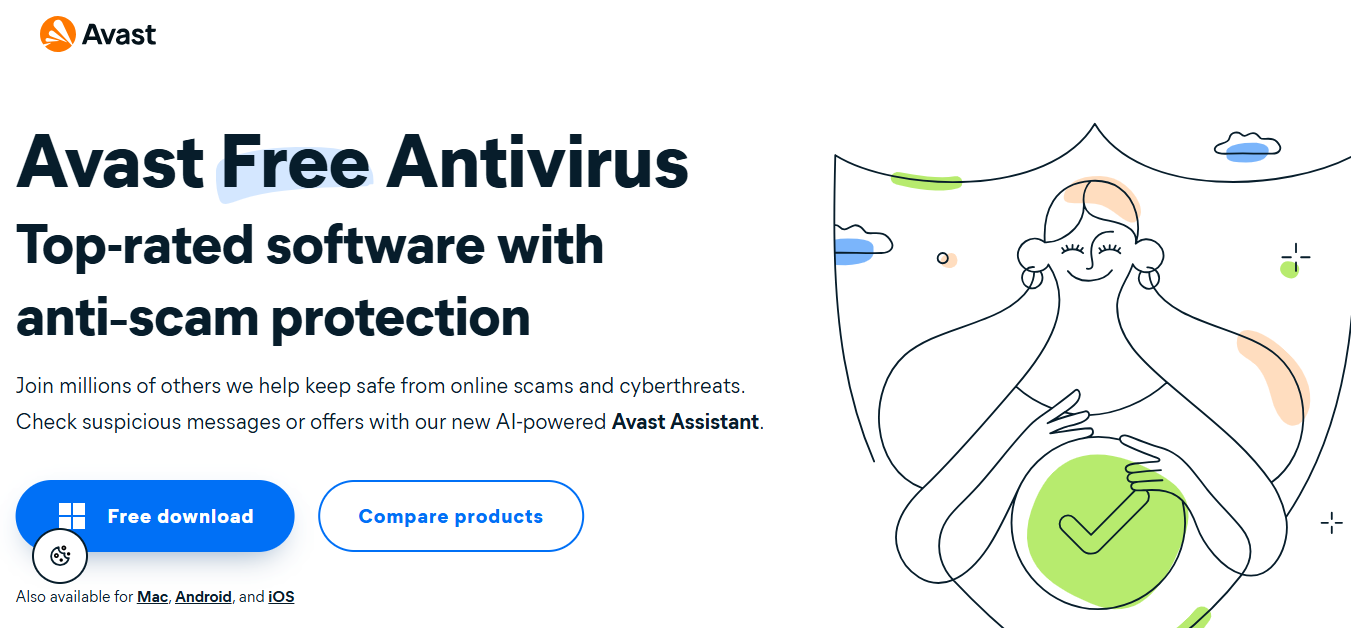
Avast continues to be one of the most popular free antivirus solutions worldwide, thanks to its comprehensive features and strong malware protection. The 2026 edition is AI-driven, making it more effective at detecting emerging threats.
Key Features:
- Real-time malware detection
- Ransomware shield to protect files
- Wi-Fi network security scanner
- Email and phishing protection
Pros:
- Excellent virus detection rates
- Packed with features usually found in paid versions
- Lightweight performance impact
Cons:
- Free version includes ads for upgrades
- Extra tools like VPN are limited
Best For: Home users needing strong all-round protection.
Pricing: Free (Premium upgrade available).
2. AVG Free Antivirus 2026
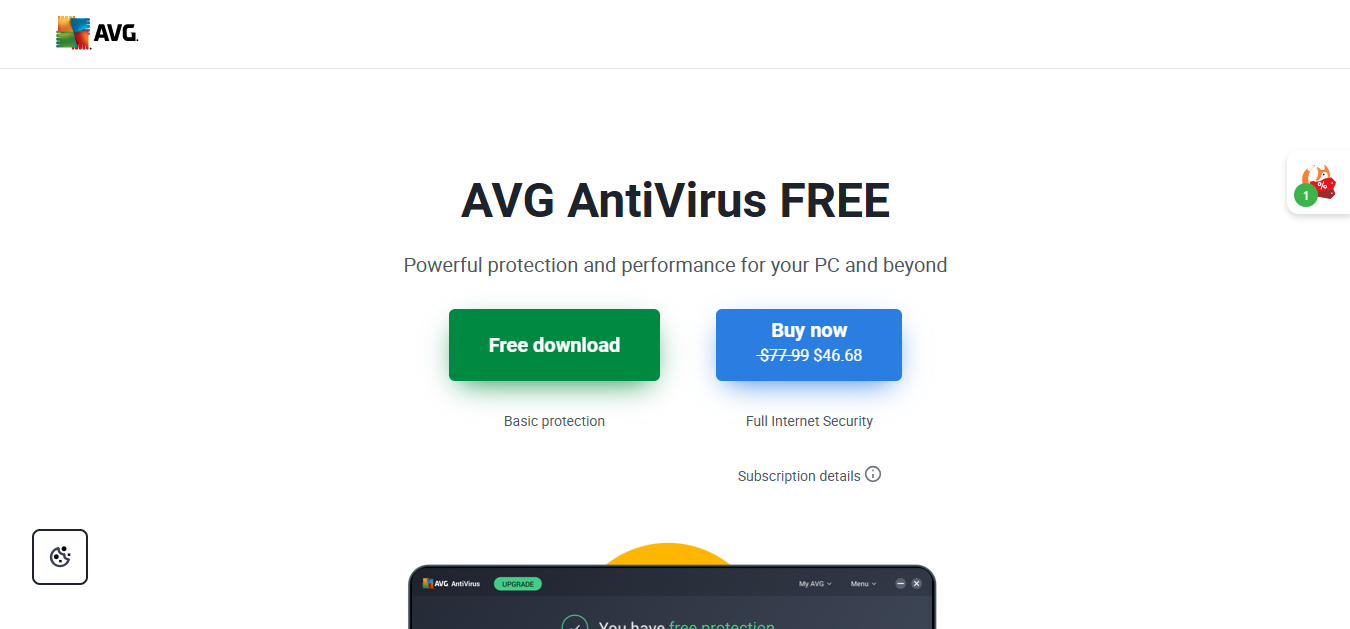
AVG, owned by the same parent company as Avast, delivers robust protection with a slightly different interface. It’s known for balancing system performance with reliable malware defense.
Key Features:
- Malware and spyware blocking
- Email shield and link scanning
- Enhanced web protection
- Smart performance scans
Pros:
- Reliable protection with minimal system slowdown
- Great web and phishing filters
- Simple and user-friendly design
Cons:
- Limited advanced features in the free version
- Occasional prompts for paid upgrade
Best For: Users who want strong yet lightweight security.
Pricing: Free (Premium upgrade available).
3. Avira Free Security 2026
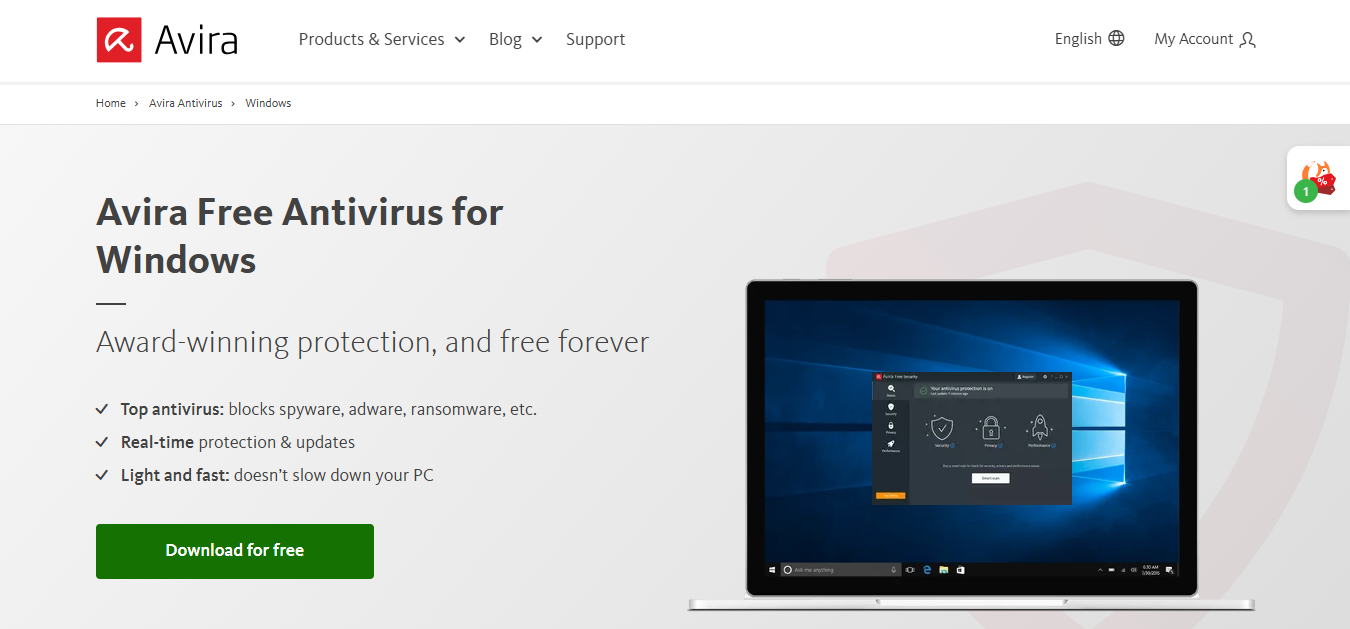
Avira stands out because it offers privacy-focused features in its free edition. Alongside antivirus protection, you also get a free VPN with limited data and a built-in password manager.
Key Features:
- Real-time malware protection
- Cloud-based threat detection
- Limited VPN (500 MB/month)
- Password manager integration
Pros:
- Excellent detection rates
- Includes privacy tools beyond antivirus
- Minimal resource usage
Cons:
- VPN has strict limitations
- Some features are locked behind a paywall
Best For: Privacy-conscious users looking for extra security.
Pricing: Free (Premium upgrade available).
4. Kaspersky Security Cloud Free 2026
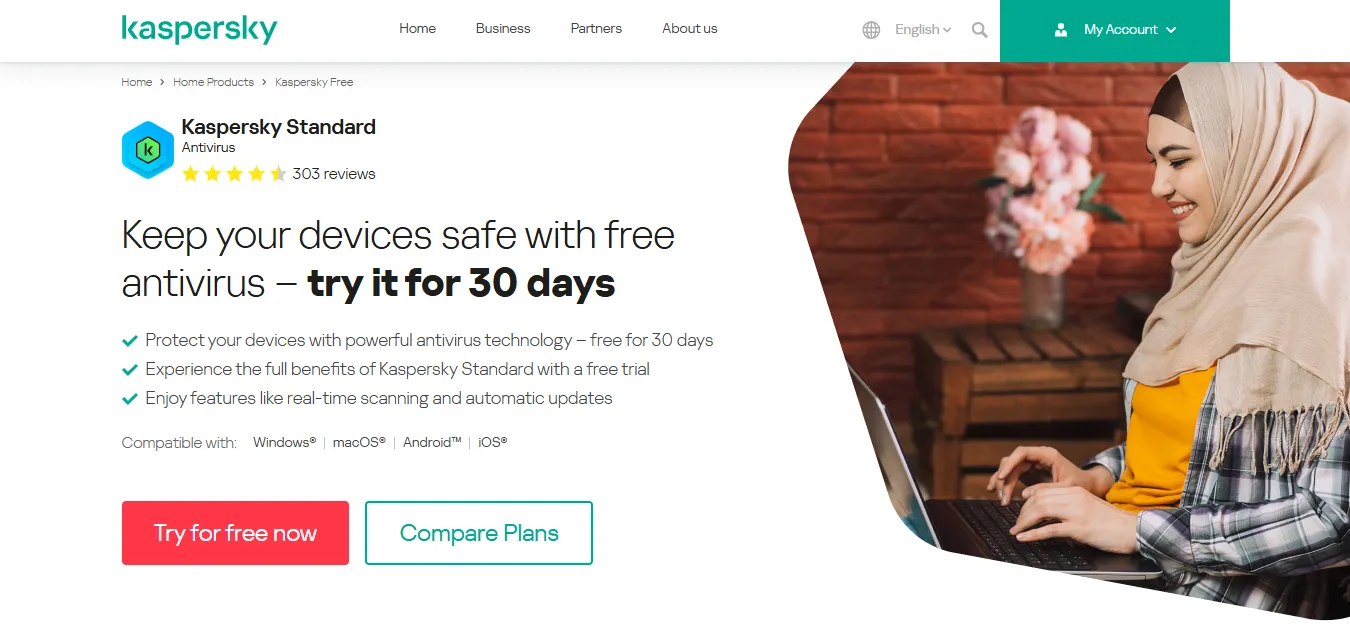
Kaspersky has consistently ranked among the top antivirus programs in terms of detection accuracy. Despite geopolitical controversies in the past, its technology remains highly respected.
Key Features:
- Real-time malware and phishing protection
- Cloud-based security updates
- Lightweight performance impact
- Secure connection (VPN with limits)
Pros:
- Top-rated malware detection rates
- User-friendly dashboard
- Reliable real-time protection
Cons:
- Limited features compared to paid version
- Privacy concerns for some users
Best For: Users seeking maximum detection accuracy.
Pricing: Free (Premium upgrade available).
5. Bitdefender Antivirus Free Edition 2026
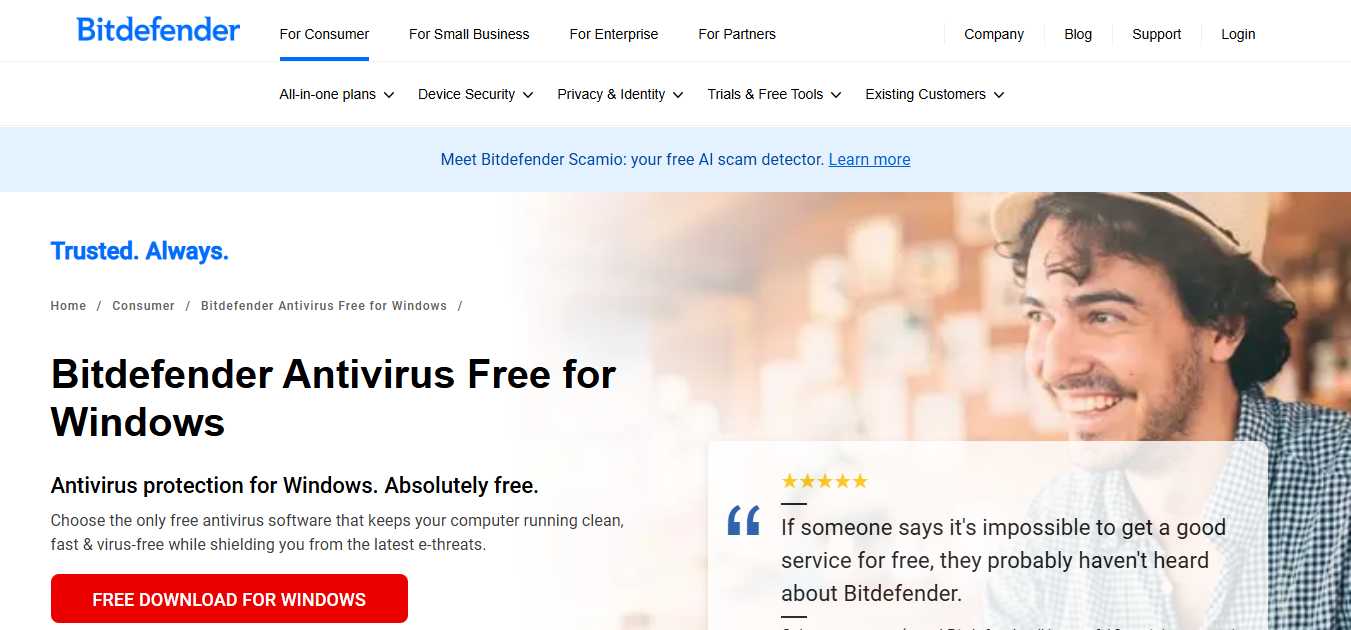
Bitdefender’s free version is known for its minimalist design and effectiveness. It provides powerful protection without unnecessary extras, making it ideal for beginners.
Key Features:
- Anti-phishing & anti-fraud protection
- Real-time malware scanning
- Advanced AI threat detection
- Automatic updates
Pros:
- Simple, lightweight, and effective
- No configuration needed – plug and play
- Strong protection against phishing
Cons:
- No extra features (VPN, password manager)
- Limited customization options
Best For: Beginners who want easy, strong protection.
Pricing: Free (Premium upgrade available).
6. Sophos Home Free 2026
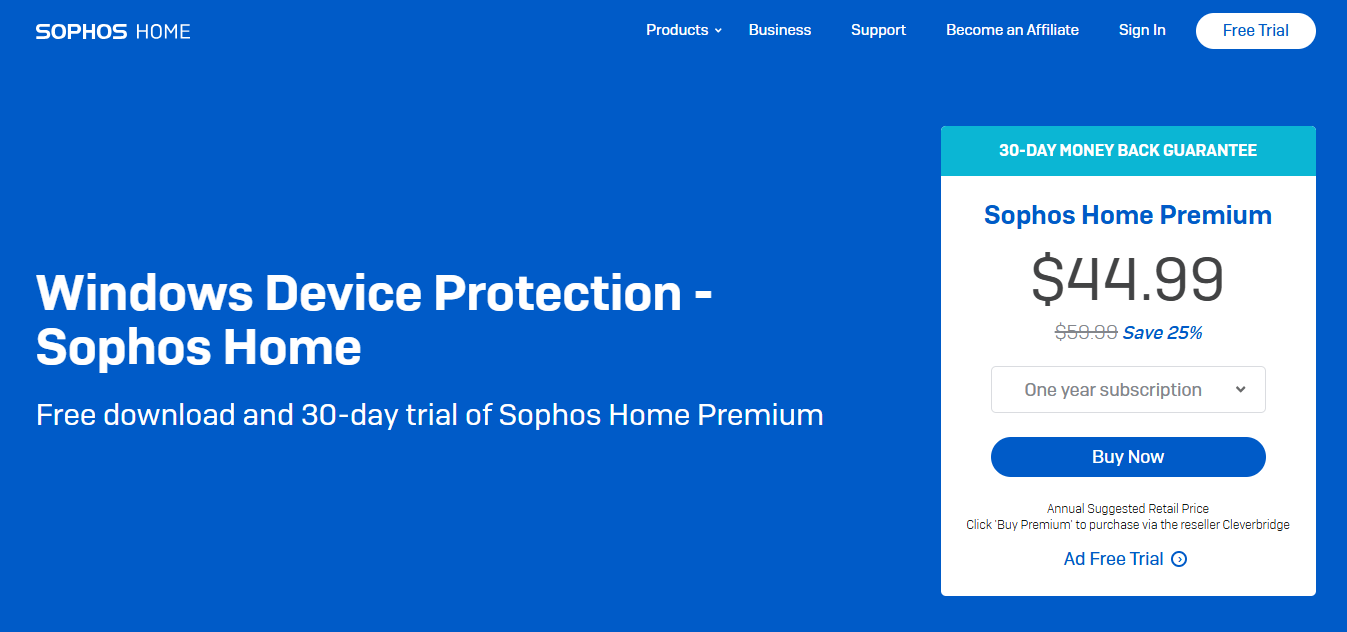
Sophos is well-known in enterprise environments, but its free version provides excellent home protection too. It’s especially good for families who want to manage multiple devices.
Key Features:
- AI-driven malware detection
- Web filtering & parental controls
- Remote management of up to 3 devices
- Ransomware protection
Pros:
- Great for families and multi-device use
- Strong phishing and malware defense
- The remote management feature is unique
Cons:
- Limited to 3 devices in the free version
- Some advanced settings are locked behind a paywall
Best For: Families who want free centralized protection.
Pricing: Free (Premium upgrade available).
7. Microsoft Defender Antivirus 2026
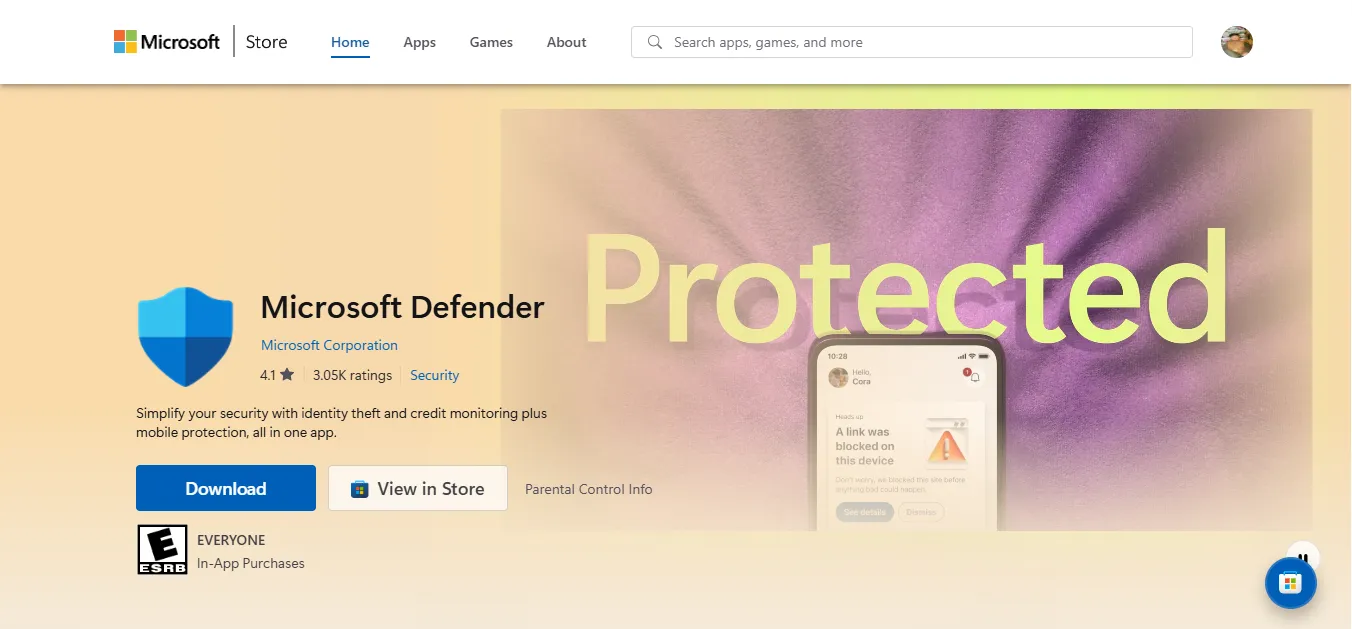
Since it comes pre-installed with Windows 11, Microsoft Defender is the default antivirus for millions of users. In 2026, it has improved significantly, offering reliable baseline protection.
Key Features:
- Real-time malware protection
- Firewall integration
- Cloud-based updates
- Seamless integration with Windows
Pros:
- No installation required
- No ads or upgrade prompts
- Minimal impact on performance
Cons:
- Lacks advanced tools compared to rivals
- Detection is not always as strong as dedicated antivirus software
Best For: Users who want hassle-free, built-in protection.
Pricing: Free.
Comparison Table of Antivirus Software for Windows 11
| Antivirus | Malware Protection | Extra Features | Performance Impact | Best For | Pricing |
|---|---|---|---|---|---|
| Avast Free | Excellent | Wi-Fi scanner, ransomware shield | Low | Home users | Free |
| AVG Free | Strong | Web/email shields | Very Low | Light users | Free |
| Avira Free | Excellent | VPN, password manager | Very Low | Privacy users | Free |
| Kaspersky Free | Excellent | VPN (limited) | Low | Security-focused users | Free |
| Bitdefender Free | Strong | Minimal | Very Low | Beginners | Free |
| Sophos Free | Strong | Parental controls | Low | Families | Free |
| Microsoft Defender | Good | Built-in firewall | Very Low | Default users | Free |
Free vs Paid Antivirus in 2026
When deciding between free and paid antivirus software, the choice often comes down to your usage needs and level of risk.
Free Antivirus
Free antivirus tools are lightweight and provide essential protection against common threats. However, they usually come with some limitations, such as ads, constant upgrade prompts, restricted VPN data, and lack of advanced features like identity theft monitoring. Customer support is often slower compared to premium versions. Free solutions work well for students, casual users, low-risk browsing, and basic home PCs.
Paid Antivirus
Paid antivirus programs, on the other hand, deliver a more comprehensive security suite. They include unlimited VPNs, identity theft protection, parental controls, password managers, and faster customer support. These are particularly valuable for businesses, professionals handling sensitive data, gamers, and power users who want system tune-ups and premium features. Affordable paid options in 2026 include Norton 360, McAfee Total Protection, and Bitdefender Premium Security.
Verdict:
Free antivirus is enough for everyday, low-risk users, but if your work or lifestyle demands stronger protection and advanced features, upgrading to a paid plan is worth the investment.
Tips to Maximize Windows 11 Security Beyond Antivirus
Even the best antivirus software isn’t enough if you practice unsafe browsing. Combine free antivirus with smart habits:
- Keep Windows Updated – Install the latest patches.
- Enable Firewall – Block unauthorized access.
- Use Strong Passwords & 2FA – Protect accounts.
- Avoid Suspicious Links – Don’t click unknown email attachments.
- Backup Data Regularly – Protect against ransomware.
- Use a Free VPN – For public Wi-Fi browsing.
These steps add extra layers of defense beyond antivirus.
Conclusion
In 2026 is fast, modern, and widely adopted, but it’s also a top target for hackers. While Microsoft Defender offers solid built-in protection, pairing it with a free antivirus ensures stronger, layered defense. If you want an all-rounder, go with Avast or AVG. For privacy-conscious users, Avira Free Security is the best choice. Families should consider Sophos Home Free, while beginners will find Bitdefender Free the easiest to use. And if you prefer hassle-free, Microsoft Defender works fine for low-risk users.At the end of the day, the best free antivirus depends on your usage style. But one thing is certain: in 2026, you no longer need to spend money to stay safe on Windows 11.
Frequently Asked Questions
Is free antivirus software good enough?
It can be sufficient for basic protection, but advanced users or businesses may need paid features.
What should I look for in free antivirus?
Look for real-time protection, malware detection, low performance impact, and a reputable vendor.
Can free antivirus slow down my PC?
Some can, but many modern options are lightweight. Check reviews and performance tests.
