

Key Takeaways
- CRM software for education and training institutes should support lead management, enrollment, communication, and reporting.
- The best CRM depends on institution size, workflows, and integration needs.
- Prioritize ease of use, automation, and data visibility when selecting a CRM.
Running an educational or training institute today is not easy. There are inquiries from new students, tracking applications, scheduling classes, communicating with students, and more. If you try to do all this on spreadsheets or by email, things get messy quickly — leads slip through the cracks, people forget to follow up, and important data is scattered.
That’s where a CRM (Customer Relationship Management) system built for education and training comes in. A CRM helps you collect and manage student data, nurture potential students, automate communications, and make data-driven decisions. In 2026, with the rising demand for digital transformation in education, using a modern CRM isn’t just helpful — it’s essential.
According to market research, the higher education CRM software market is projected to reach USD 3.77 billion in 2026. Meanwhile, the enrollment management software market is expected to grow at a CAGR of 9.3% by 2032. These numbers show that more schools, universities, and training centers are investing in CRM systems to stay competitive, manage their operations better, and give students a smoother, more engaged experience.
In this article, we will look at the 10 best CRMs for education and training institutes in 2026 — what they do, their key features, pros and cons, pricing, and which type of institution they are best suited for. We will also cover what to look for when choosing a CRM and how to successfully implement one in your organization.
What Is a CRM for Education & Training?
A CRM for education and training is a software tool designed to manage how your institute interacts with students — both prospective and current — throughout their entire journey. Unlike a standard business CRM, an education CRM is built to handle:
- Inquiry tracking: When a student asks for information or applies, their lead is captured.
- Admissions workflows: From inquiry → application → enrollment.
- Student engagement: Communicating with students via email, SMS, WhatsApp, or chat, based on their journey and behavior.
- Course and batch management: Especially useful in training institutes where courses, attendance, and progress matter.
- Analytics and reporting: Tracking which marketing campaigns bring in students, what stage students drop off, how many enroll, and more.
- Integration: Connecting with LMS (Learning Management Systems), SIS (Student Information Systems), payment gateways, calendars, etc.
In short, a CRM for education helps you centralize data, automate tasks, and make smarter decisions — all while keeping student relationships at the heart of your processes.
Why Education & Training Institutes Need a CRM in 2026
Here are the top reasons why using a CRM is becoming more important than ever for educational institutions in 2026:
- Complex Student Journeys
Students today interact with institutions through many channels: websites, social media, email, WhatsApp, and phone calls. A CRM captures all these channels and keeps them in one place. - Automation & Follow-Ups
Manual follow-ups are time-consuming and error-prone. CRMs let you automate reminders, messages, and workflows, so no prospective student is forgotten. - Personalized Engagement
Not every student is the same. With data in a CRM, you can send tailored messages, track their preferences, and engage them based on where they are in their journey. - Data-Driven Decisions
CRMs provide analytics on lead sources, conversion rates, course popularity, and student retention. These insights help you optimize recruitment and engagement strategies. - Operational Efficiency
From scheduling classes to tracking payments, a CRM reduces administrative burden, freeing up staff to focus on more strategic tasks. - Future-Ready Features
In 2026, CRMs are becoming more intelligent: AI-driven lead scoring, chatbots for student queries, predictive analytics for retention, and deep integration with LMS systems. - Scalable Growth
As your institute grows — more students, more courses, more campuses — a CRM scales with you. It’s much more efficient than spreadsheets or separate, disconnected systems.
Factors to Consider When Choosing a CRM for Education & Training
Choosing the right CRM is crucial. Here are the most important factors to evaluate before you pick one:
- Student Lifecycle Management: Can the CRM handle everything from lead capture → application → enrollment → course progress, → alumni?
- Multi-Channel Communication: Does it support email, SMS, WhatsApp, chat, or even calls?
- Automation & Workflow: How well can it automate follow-ups, reminders, drip campaigns, and internal processes?
- Integration: Can it integrate with your LMS, SIS, payment gateways, calendars, and other tools?
- Analytics & Reporting: Does it offer dashboards and reports to measure performance (e.g., conversion rates, campaign ROI, student retention)?
- Scalability: Is it cloud-based? Can it handle large numbers of students and users?
- Pricing Transparency: Are the pricing plans clear and affordable for your size of institution?
- Mobile Access: Can your staff and students use it from mobile devices?
- Support & Training: Does the vendor provide onboarding, training, and ongoing support for your team?
- Security & Compliance: Student data is sensitive. Ensure the CRM meets data privacy standards and has strong security measures.
The 10 Best CRMs for Education & Training Institutes in 2026
Here are the 10 best CRM for education and training institutes.
- Salesforce Education Cloud
- HubSpot CRM
- Slate CRM (Technolutions)
- Ellucian CRM
- Zoho CRM
- Element451
- Meritto
- Keap
- LeadSquared
- Zendesk for Education
Below is a complete breakdown of each CRM:
1) Salesforce Education Cloud
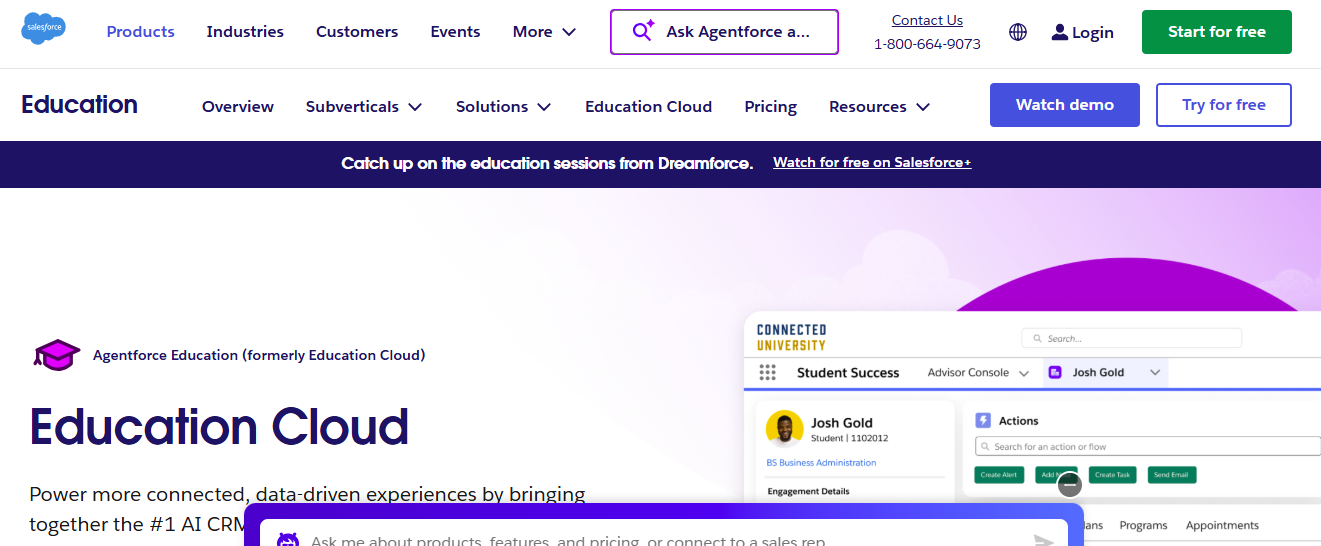
Salesforce Education Cloud is a powerful, enterprise-grade CRM platform built especially for education. It supports the full student lifecycle — from recruitment and admission, through student engagement, to alumni relations. Because it’s built on the robust Salesforce CRM infrastructure, it can integrate with learning management systems (LMS), student information systems (SIS), finance modules, and many other tools.
Features:
- Full student lifecycle management (inquiries, applications, enrollment, alumni)
- Recruitment pipeline and lead nurturing
- Admissions workflow automation
- Integration with SIS / LMS / ERP systems
- Predictive analytics and forecasting
- Custom dashboards and reports
- AI-driven insights (if using Einstein or similar)
Reviews:
Salesforce Education Cloud is widely praised for its flexibility and power. Larger institutions love it because they can customize it heavily. However, because of its complexity, it often requires consultants or a dedicated technical team. Some smaller organizations find it expensive or hard to implement on their own.
Pricing Overview:
The pricing is not fixed: it’s typically custom‑quoted, based on the size of the institution, number of users, and selected modules.
Pros:
- Very flexible and customizable
- Scales well for large institutions
- Deep analytics and forecasting
- Strong ecosystem of third-party integrations
- Mature support network
Cons:
- High cost
- Complex implementation
- Needs trained staff or consultants
- Customization can take a long time
Best For: Large universities, multi-campus institutions, and big training centers that want a deeply flexible and powerful system and have the budget and technical resources to manage it.
2) HubSpot CRM
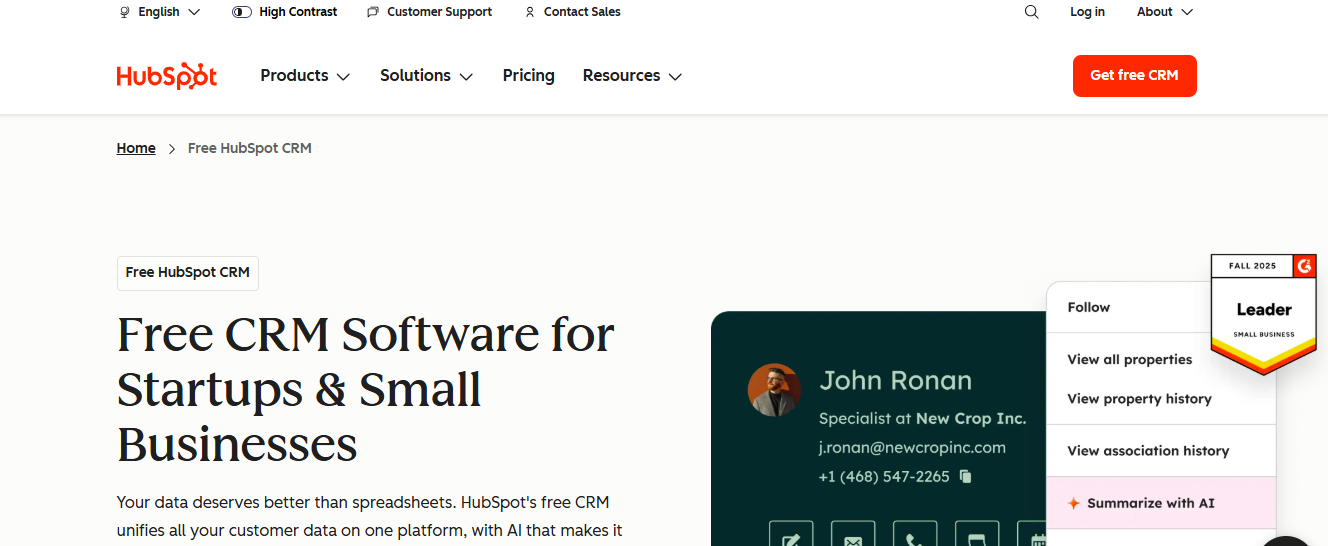
HubSpot CRM is user-friendly, modular, and very popular — especially for institutions that want a mix of marketing automation and CRM functions. Though it’s not built exclusively for education, its flexibility allows schools and training academies to adapt it to their needs.
Features:
- Contact and lead management
- Email automation and sequences
- Live chat and chatbot integration
- Pipeline/application tracking
- Landing-page & web form builder
- Reporting dashboards
Reviews:
HubSpot is praised for its easy onboarding, simple interface, and strong free plan. Many education institutions use it to centralize inquiries, communicate with prospective students, and run automated drip campaigns. The downside is it’s not built mainly for student records — you may need to connect other systems (like an SIS) for that functionality.
Pricing Overview:
- Free plan: Available (very useful for basic CRM + marketing)
- Starter: ~$15 / user/month
- Professional: ~$50 / user/month
- Enterprise: ~$75 / user/month
Pros:
- Easy to set up and use
- Strong free plan
- Great marketing automation
- Transparent pricing and modular structure
- Scales reasonably
Cons:
- Not education‑specific (no native SIS)
- Advanced features require paid plans
- Predictive analytics is limited (unless integrated)
- LMS integration may need extra work
Best For: Small-to-medium schools, training academies, or non-profits that want a cost-effective and easy-to-use CRM without complex technical demands.
3) Slate CRM (Technolutions)
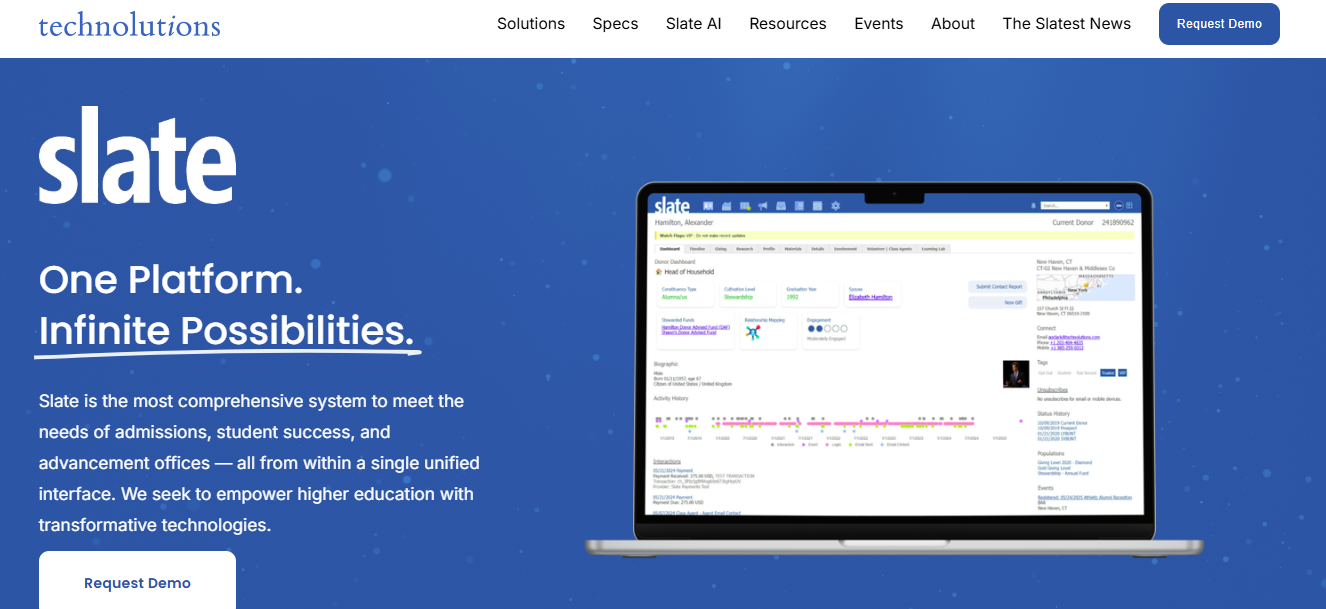
Slate, by Technolutions, is a highly specialized CRM designed for admissions in higher education. It combines CRM functions with deep application management, event planning, and committee review workflows.
Features:
- Inquiry → application funnel tracking
- Application management & review workflows
- Event registration (open houses, webinars)
- Committee & reviewer coordination
- Personalized communications (email, event invites)
- Analytics and reporting on recruitment metrics
Reviews:
Slate is loved by admissions teams because it was built for them. It handles high volumes of applications, complex review processes, and personalized outreach very well. On the downside, newer or smaller institutions may find it too specialized or costly, and it’s not a full student system (SIS).
Pricing Overview:
- Custom quote — pricing depends on institution size and modules needed.
Pros:
- Built specifically for admissions and application management
- Excellent for committee-based review and decision-making
- Highly configurable event workflows
- Deep analytics for recruitment
Cons:
- Niche: not ideal for managing academic records or day-to-day student operations
- Training needed for staff
- It can be expensive for smaller schools
Best For: Colleges and universities with complex admissions cycles, high application volume, and a dedicated admissions/recruitment team.
4) Ellucian CRM
Ellucian is a well-known provider in the education space, offering ERP systems, SIS, and CRM. Their CRM is tightly integrated with their other products, making it a strong choice for institutions that want a unified academic and administrative system.
Features:
- Recruitment and admissions management
- Student lifecycle tracking
- Event and registration module
- Marketing automation
- Analytics dashboards for retention and engagement
- Integration with SIS/finance / HR systems
Reviews:
Institutions that already use Ellucian for SIS or ERP often choose its CRM, because the data flows naturally between modules. This reduces duplication and improves data accuracy. However, implementation and licensing can be expensive, and smaller campuses may not justify the cost.
Pricing Overview:
- Custom quote based on modules, number of users, and integration needs.
Pros:
- Strong integration with SIS and ERP
- Scalable for large institutions
- Unified data across administration and academics
- Mature support and vendor experience
Cons:
- High cost
- Requires technical setup
- It may be too heavyweight for small training institutes
- Long onboarding
Best For: Large colleges or universities that need a unified system for admissions, student records, and administrative workflows.
5) Zoho CRM
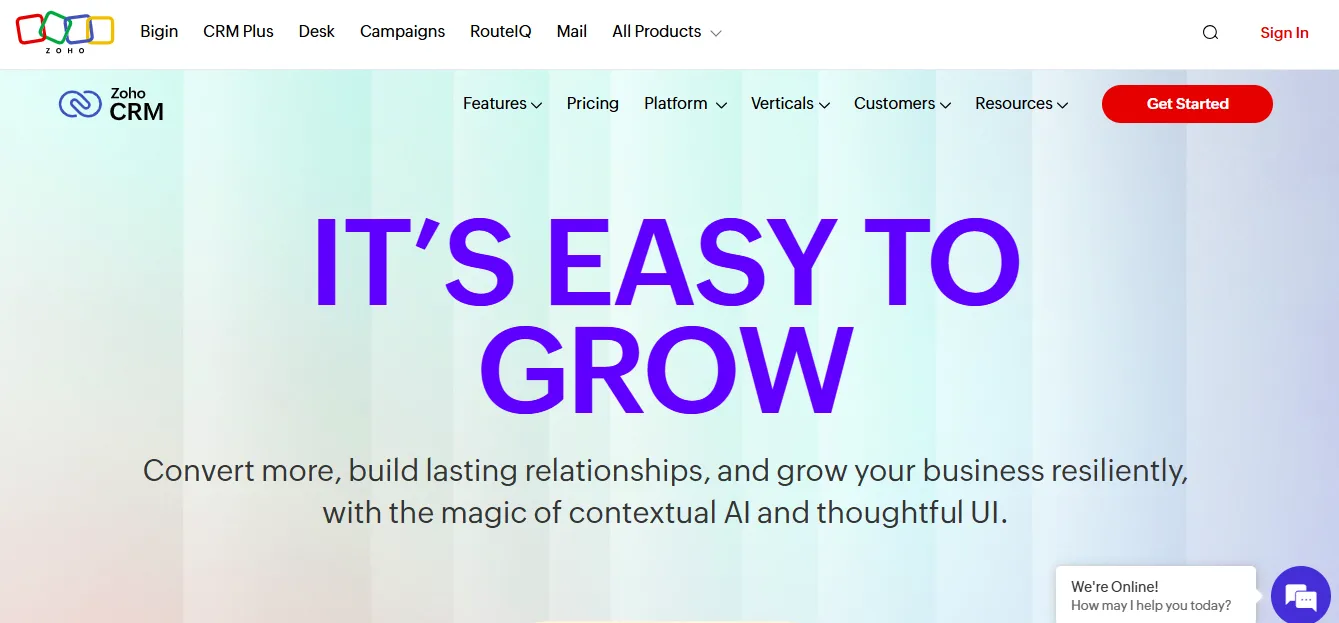
Zoho CRM is a flexible, cloud-based CRM platform that works very well for educational and training institutes. While it’s not built purely for education, its customization options allow you to model recruitment, communication, and student engagement workflows.
Features:
- Lead and pipeline management
- Workflow automation (tasks, follow-up)
- Multi-channel communication (email, SMS)
- Web form integration
- Custom dashboards and reporting
- Role-based access control
- Mobile app
Reviews:
Zoho CRM is widely appreciated for its affordability and flexibility. Many small-to-mid training centers and schools choose it because they can adapt it to their exact process. On the other hand, because it’s not education-specific, you might need extra effort to build academic workflows, and integrating with specialized educational systems (LMS, SIS) can take work.
Some users on Reddit say:
“Zoho CRM is great … but their interface feels overwhelming and the initial setup can be tricky.”
Pricing Overview:
- Standard: $14 / user/month
- Professional: $23 / user/month
- Enterprise: $40 / user/month
- Ultimate: $52 / user/month
Pros:
- Very affordable
- Highly customizable
- Good mobile support
- Automation reduces manual work
- Scalable for growing institutions
Cons:
- Not specifically built for educational record-keeping
- Reporting is less advanced than enterprise CRMs
- LMS or SIS integrations may require custom work
- Learning curve for non-technical staff
Best For: Small or mid-sized training institutes, academies, or schools that need flexible CRM capabilities without breaking the bank.
6) Element451
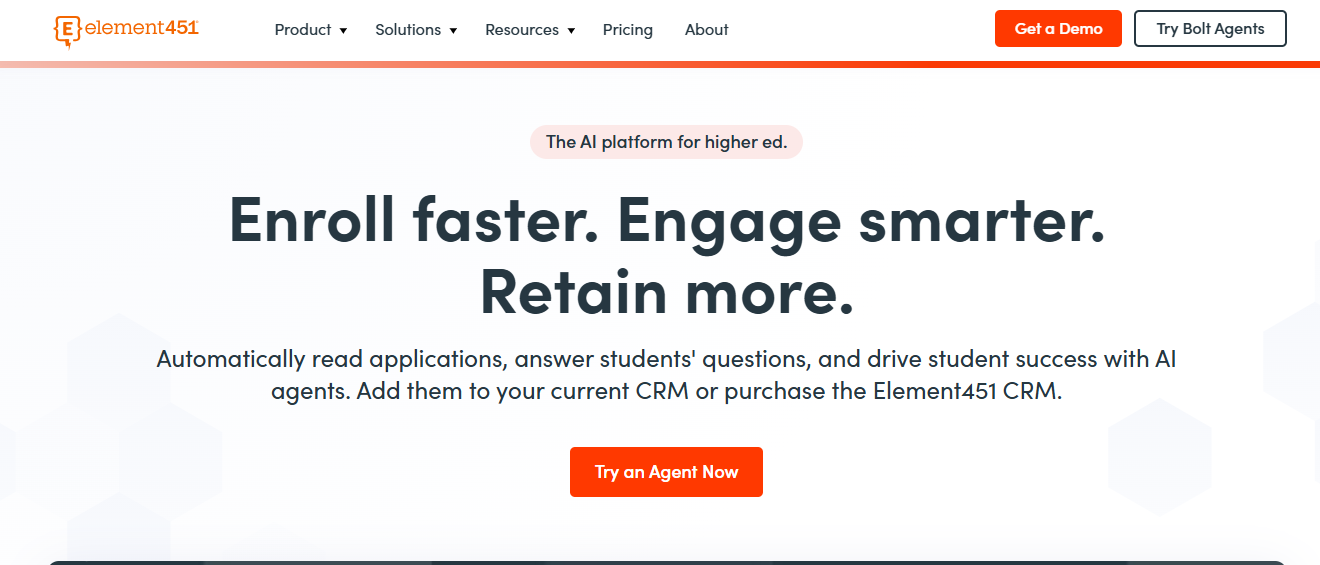
Element451 is a modern, admissions-focused CRM designed for recruitment teams in higher education. It excels in journey‑based automation, lead scoring, and events — helping institutions personalize every step of the prospective student’s journey.
Features:
- Journey-based recruitment workflows
- Lead scoring & qualification
- Event & webinar management
- Personalized drip campaigns
- Behavioral analytics & engagement tracking
- Recruitment KPI dashboards
Reviews:
Element451 is highly regarded for its ability to automate and personalize recruitment outreach. Admissions and marketing teams love that they can set up triggers based on user behavior (e.g., opening an email, visiting a page) and respond with relevant content. The downside is limited offline/data-entry support and cost — smaller institutes may find it pricey.
Pricing Overview:
- Custom quote, depending on usage, size, and modules.
Pros:
- Very tailored for recruitment & admissions
- Excellent personalization and automation
- Insightful analytics on engagement
- Good for event-driven outreach
Cons:
- Not a full student records system (limited SIS)
- It can be pricey for small institutions
- Set up and training needed
- Offline data entry is limited
Best For:
Admissions offices in universities or training institutes that focus heavily on recruiting, nurturing leads, and events.
7) Meritto
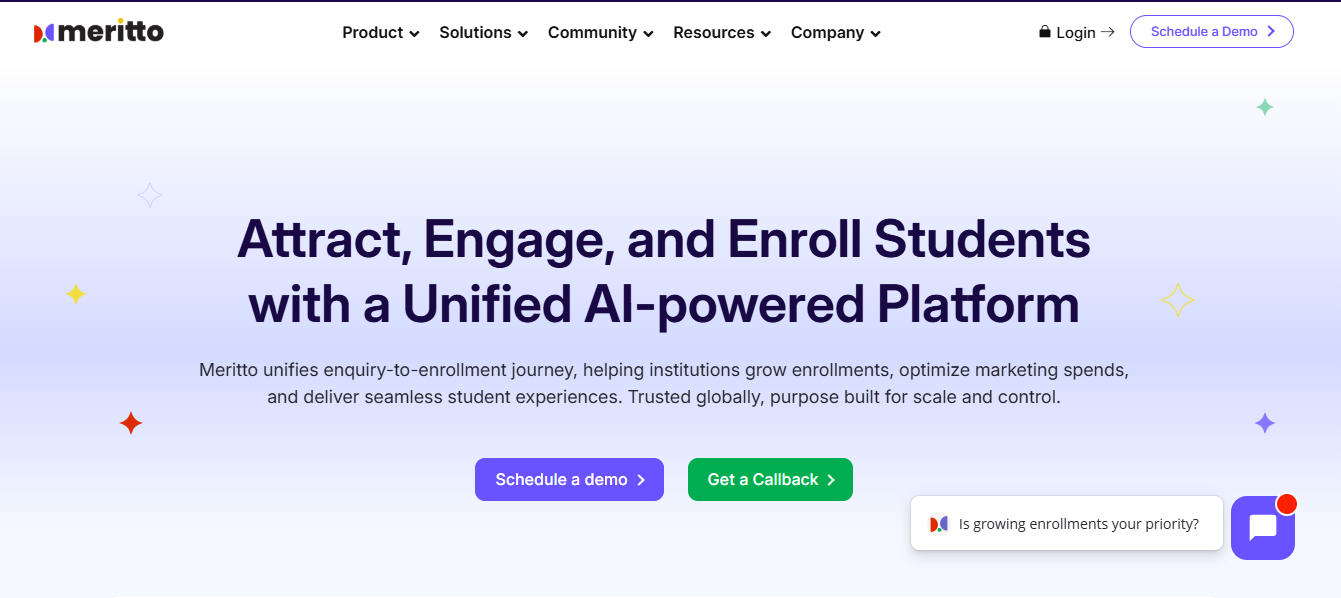
Meritto is a regionally focused CRM built for education and training institutes — especially in markets like India. It emphasizes multi-channel communication, lead scoring, and local recruitment workflows.
Features:
- Inquiry and lead management
- Multi-channel communication: email, SMS, WhatsApp
- Event/webinar organization
- Lead scoring & qualification
- Conversion analytics
- Application tracking
Reviews:
Meritto is praised in regional markets for understanding local education recruitment dynamics. Institutions running large volume lead generation activities (for undergraduate admissions or training courses) find its lead-scoring and multi-channel outreach especially useful. However, its global footprint may be limited, and advanced LMS-style student tracking may be weaker than more enterprise CRMs.
Pricing Overview:
- Custom pricing depending on institution and scale.
Pros:
- Strong regional features (like WhatsApp integration)
- Good for high-volume recruitment
- Local support and understanding of the regional education market
- Automated follow-up workflows
Cons:
- May not scale well internationally
- No deep SIS built-in
- The user interface could be more modern
- Pricing is not publicly transparent
Best For:
Training academies or education institutes in regions like India, where local communication channels, volume lead management, and regional workflows matter.
8) Keap
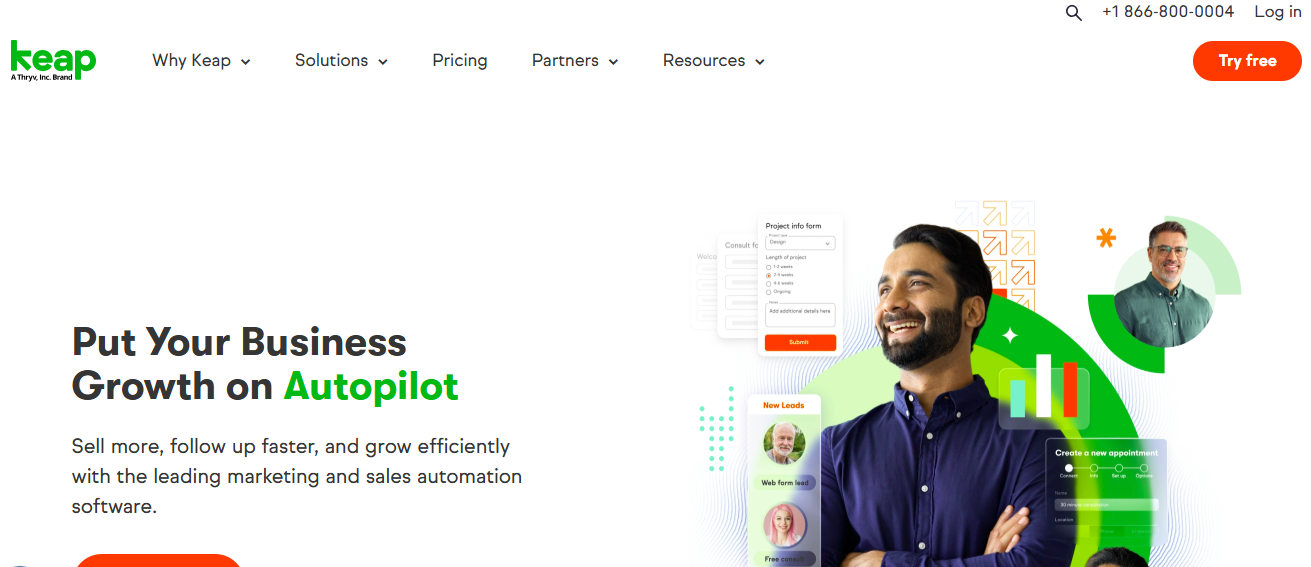
Keap (formerly Infusionsoft) is a CRM + automation platform that’s ideal for small businesses, including coaching centers and training academies. It helps with scheduling, communications, and payment reminders, making it a solid choice for small teams without heavy technical support.
Features:
- Email & SMS automation
- Task automation and tagging
- Appointment scheduling and reminders
- Contact segmentation and tagging
- Payment and invoice management
- Pipeline/lead management
Reviews:
Keap is well-loved by smaller training businesses because of its simplicity and automation features. It’s easy for non-technical users to set up call sequences, follow-up emails, and payment reminders. But it doesn’t have advanced academic features like student record management or deep predictive analytics.
Pricing Overview:
- Lite: $79 / month
- Pro: $149 / month
- Max: $199 / month
Pros:
- Easy to use
- Good automation
- Affordable for small teams
- Helps with scheduling & billing
- Reduces manual outreach
Cons:
- Not education-specific
- No advanced SIS or academic tracking
- Limited predictive or AI‑driven insights
- Reporting is basic
Best For: Coaching centers, small training academies, or tutors who need automation but don’t require campus-wide student management systems.
9) LeadSquared
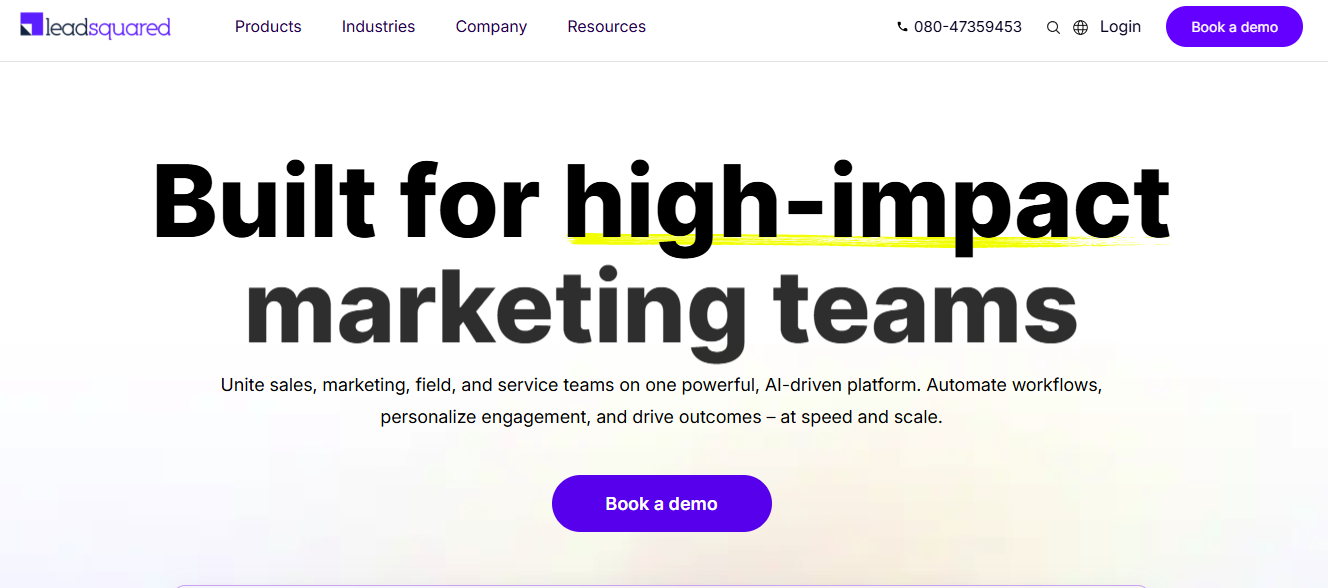
LeadSquared is a CRM designed for managing leads, marketing, and admissions — making it ideal for training institutes and academy-style education centers.
Features:
- Inquiry capture & qualification
- Application/enrollment pipeline tracking
- Multi-channel outreach (email, SMS, forms)
- Lead scoring & segmentation
- Performance dashboards (for counselors, teams)
- Detailed campaign analytics
Reviews:
LeadSquared is often praised for its focus on admissions-style workflows. It offers tools to manage large volumes of inquiries, track the performance of counselors or recruitment agents, and run multi-channel campaigns. But for very large institutions requiring full SIS integration, it may require additional systems.
Pricing Overview:
- Custom quote depending on usage, number of users, and features.
Pros:
- Very strong for admissions & inquiry management
- Scalable for growing training centers
- Automates outreach
- Great visibility into team performance
- Detailed reporting
Cons:
- Learning curve for new users
- Customization may need technical support
- LMS / SIS integration might not be out-of-the-box
- Can be expensive as volume grows
Best For: Training institutes, academies, or schools with large inbound lead flow and a dedicated recruitment/admissions team.
10) Zendesk for Education
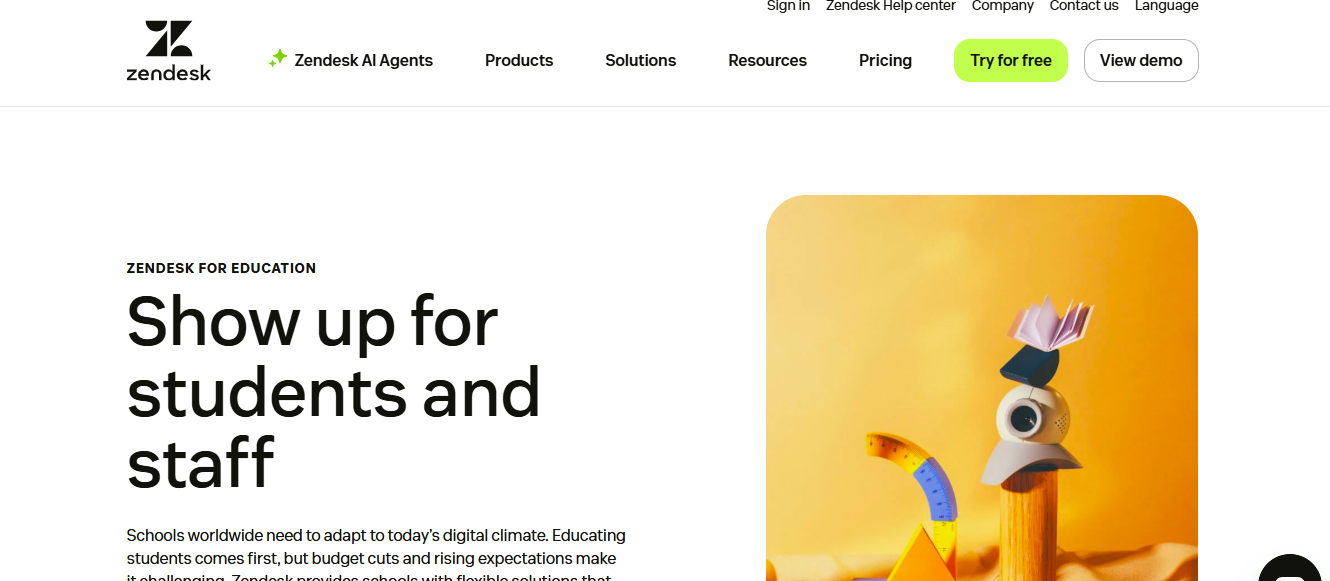
Zendesk for Education is a support‑centric CRM. Instead of focusing on admissions or student recruitment, it is built to handle student support, ticketing, and helpdesk functions. This CRM is ideal for service and support teams in educational institutions.
Features:
- Omnichannel ticketing (email, chat, phone)
- Knowledge base and self-serve portal
- Automated ticket routing and SLA rules
- Custom workflows for different departments
- Reporting on ticket volume, response times, and satisfaction
Reviews:
Zendesk is highly trusted for managing help desks. Educational institutions use it to ensure student queries don’t get lost, and to build a knowledge base where students can find answers themselves. Its major limitation: it’s not designed primarily for admissions or student lifecycle management, but rather support and communications.
Pricing Overview:
- Zendesk Support Team: $19 / agent/month
- Zendesk Suite Professional (education‑ready): $115 / agent/month
Pros:
- Excellent for handling high support volumes
- Self-service knowledge base reduces repetitive queries
- Scalable across departments
- Transparent tracking of performance
Cons:
- Not a full-fledged admissions CRM
- Limited academic record / SIS integration
- Focus is more on support than recruitment
- Advanced analytics may require add-ons
Best For: Institutes that need a robust support system — universities, training centers, or schools that want to improve response times and student satisfaction via a centralized ticketing system.
How to Implement a CRM Successfully in Your Institution
Putting a CRM in place is not just about buying software — it’s about change management and making it part of your daily operations. Here’s how to do it right:
- Define Clear Goals
- What do you want to achieve? (Better lead conversion, higher student retention, reduced administrative load)
- Set KPIs (e.g., response time, enrollment rate, drop-off rate).
- Choose the Right Stakeholders
- Involve admissions, IT, academic staff, and leadership in the selection and implementation process.
- Assign champions who will own CRM adoption.
- Map Your Student Journey
- Document how a student moves from inquiry → admission → enrollment → attendance → graduation.
- Use that to design the workflows and automation in your CRM.
- Train Your Team
- Provide training sessions for counselors, recruiters, and admin staff.
- Use real scenarios to teach them how to use the CRM in their daily tasks.
- Start Small + Pilot
- Run a pilot with one department or a small cohort before rolling out to the entire institution.
- Collect feedback and iterate.
- Measure & Iterate
- Monitor your KPIs regularly.
- Use CRM analytics to identify problem areas (e.g., high drop-off stage) and fix them.
- Maintain Data Quality
- Regularly clean and update data (duplicate records, incorrect entries).
- Use data governance policies to ensure consistency.
- Scale Gradually
- Once you’re confident, expand to more users, integrate with LMS or financial systems, and build advanced automation.
The Future of CRM in Education & Training (2026 and Beyond)
The world of CRM in education is evolving fast. In 2026 and beyond, you can expect:
- AI-powered Lead Scoring & Retention Prediction: CRMs will use AI to predict which students are likely to enroll or drop out and trigger proactive outreach.
- Chatbots & Conversational Engagement: Chatbots will answer basic student queries, schedule calls, or route inquiries to the right team without manual intervention.
- Deep LMS & SIS Integration: CRMs will become more connected with LMS and SIS tools to share academic data, attendance, course progress, and engagement metrics.
- Mobile-First CRMs: Both students and staff will use CRM functions on mobile apps — checking follow-ups, updating profiles, or managing applications on the go.
- Omnichannel Engagement: More CRMs will support not just email, but WhatsApp, SMS, voice, and social media to meet students where they are.
- Advanced Analytics & Dashboards: Institutions will rely on predictive dashboards and cohort analysis to make data-driven decisions about recruitment and retention.
Comparison Table: Top 10 CRMs for Education & Training (2026)
| CRM | Key Features | Typical Use‑Case / Best For | Pricing Overview |
| Salesforce Education Cloud | Full lifecycle management, AI analytics, deep integrations | Large universities and multi-branch training institutes | Custom quote (enterprise-level) |
| HubSpot CRM | Marketing automation, email sequences, and lead capture | Small-to-medium schools and training academies | Free plan + paid tiers (Starter, Professional, Enterprise) |
| Slate (Technolutions) | Application workflows, review committees, and event management | Universities with complex admissions processes | Custom quote |
| Ellucian CRM | SIS integration, recruitment, and student retention | Colleges and universities need unified academic/admin data | Custom pricing |
| Zoho CRM | Flexible workflows, SMS/email, mobile app | Small training institutes or academies | $14–52/user/month (depending on plan) |
| Element451 | Journey-based recruitment, behavioral scoring, events | Admissions offices focused on recruitment and personalization | Custom quote |
| Meritto | Multi-channel outreach, lead scoring, local market features | Education & training institutes in regional markets (e.g., India) | Custom pricing |
| Keap | Email/SMS automation, appointments, invoicing | Coaching centers and small training businesses | $79–199/month |
| LeadSquared | Inquiries, lead scoring, team performance dashboards | High-inquiry training centers and academies | Custom quote |
| Zendesk for Education | Ticketing, knowledge base, omnichannel support | Student support teams, service & helpdesk in educational institutes | $19–115/agent/month |
Conclusion
Choosing the right CRM for your education or training institute in 2026 can dramatically improve how you manage prospects, students, and operations.
With an effective CRM, you can centralize communication and data, automate repetitive tasks, and personalize student engagement. It also helps track performance with meaningful analytics and scale your institution efficiently.
The 10 CRMs covered here represent top-tier tools that serve different kinds of educational institutions. Depending on your size, budget, recruitment model, and goals, one of these will likely match your needs.
As you move forward, remember: technology is just one part of transformation. People and processes matter more. Define your goals, map your workflows, involve your team, and continuously improve. When done right, a CRM becomes more than software — it becomes a strategic partner in growing your institute and serving your students better.
FAQs (Frequently Asked Questions)
1. What is the difference between a CRM and an LMS?
A CRM (Customer Relationship Management) focuses on managing relationships, inquiries, admissions, and communication with prospective and current students. An LMS (Learning Management System) is used to deliver courses, manage content, assessments, and track student learning progress. While CRM handles the relationship and administrative side, LMS handles teaching and learning.
2. Can small schools afford a CRM?
Yes. Many CRMs, like HubSpot and Zoho, offer affordable plans or even free tiers. Small schools and training centers can choose a scalable CRM that fits their budget and grows as they grow.
3. How much does an education CRM cost?
It depends. Prices vary greatly: some CRMs have fixed subscription plans (e.g., Zoho, Keap), while enterprise CRMs (like Salesforce, Slate, Ellucian) are custom quoting based on the number of users, modules, and integrations.
4. Is CRM safe for student data?
Yes, as long as you choose a reputable CRM provider. Make sure they comply with data protection laws (e.g., GDPR), offer data encryption, role-based access, and have strong privacy policies.
5. How does a CRM help with student retention?
CRMs provide analytics and engagement tools that help you identify students at risk of dropping out or disengaging. You can send timely messages, follow up, set up mentorship workflows, or run re-engagement campaigns.
6. Do I need technical staff to implement a CRM?
For basic CRMs (like HubSpot or Zoho), you may not need a highly technical team. But for enterprise-level tools (Salesforce, Ellucian), it’s often helpful to have a CRM admin, consultant, or technical staff for setup, integration, and maintenance.
7. Can a CRM track course progress or attendance?
Some CRMs integrate with LMS or SIS systems, allowing you to sync course progress, attendance, and student performance data. But a CRM alone is not typically designed for full academic tracking — it’s part of a larger technology ecosystem.
